 Welcome back to our blog series on converting your legacy FuseBox apps over to ColdBox MVC. In our
Converting Fusebox 5.1 Sample App to ColdBox MVC
 Brad Wood |
August
05,
2014
Brad Wood |
August
05,
2014
 Brad Wood |
August
05,
2014
Brad Wood |
August
05,
2014
Welcome back to our blog series on converting your legacy FuseBox apps over to ColdBox MVC. In our
 Luis Majano |
August
04,
2014
Luis Majano |
August
04,
2014


We will be holding a ColdBox and TestBox bootcamp in sunny California this October 1-3rd, 2014. This bootcamp will include a medley of our professional training courses and lead by ColdBox creator
Brad Wood |
July
14,
2014
In our last installment, we talked about the benefits of converting legacy FuseBox applications over to ColdBox MVC. In this entry we'll actually convert the Fusebox 3 sample app available from fusebox.org to show you the similiarities and differences between the two frameworks.
Here's a screenshot of the files in the Fusebox and ColdBox code side-by-side. Both are pretty self-explanatory, so we'll work our way through the contents of each file as we go.
Brad Wood |
July
03,
2014

Fusebox is one of the oldest frameworks for ColdFusion. My first real ColdFusion job was working on a large intranet site built upon Fusebox. The framework has changed hands several times and though it has now gone cold in terms of new development but it is still used by 1 in 3 ColdFusion developers according to the State of the CF Union survey results from 2014.
There's a lot of legacy code out there still running on FuseBox, but that doesn't mean it has to stay that way. The Internet has moved on to design patterns like MVC and more-object oriented approaches for code reuse and testing. The thought of reworking your old codebase might seem scary, especially if you're not familiar with MVC and you aren't using any OO principles. Don't despair though, it's often times better to make incremental improvements to code instead of trying to throw it out and rewrite it from scratch. The old adage says, how do you eat an elephant? "One bite at a time!"
Brad Wood |
June
27,
2014
After using the ColdBox MVC Platform or any of the Box libraries you might think of an enhancement or new feature you'd like to see. Or perhaps you found an issue, and after posting it to our Google Group, we asked you to put in a ticket. Well, today is you day because here is a step by step guide for getting set up in our bug tracker so you can enter tickets, as well as comment, vote, or watch other people's tickets. Out open source libraries are developed out in the open for full transparency and to encourage the public to join in and be part of the exciting process.
Atlassian has created a number of development workflow tools like BitBucket, SourceTree, and Bamboo. JIRA (pronounced Jeer-ah) is their popular system for bug tracking and does lots of cool stuff with agile plugins. The URL for the Ortus JIRA bug tracker is (We'll wait while you bookmark it):
https://ortussolutions.atlassian.net/browse/COLDBOX/
When you first visit, you'll see something like this. From a non-logged in state you can still view tickets and read comments but you can't create tickets or interact with existing ones. Start by hitting the green "Log In" button in the upper right hand corner of the screen.
Not logged in (click to enlarge)
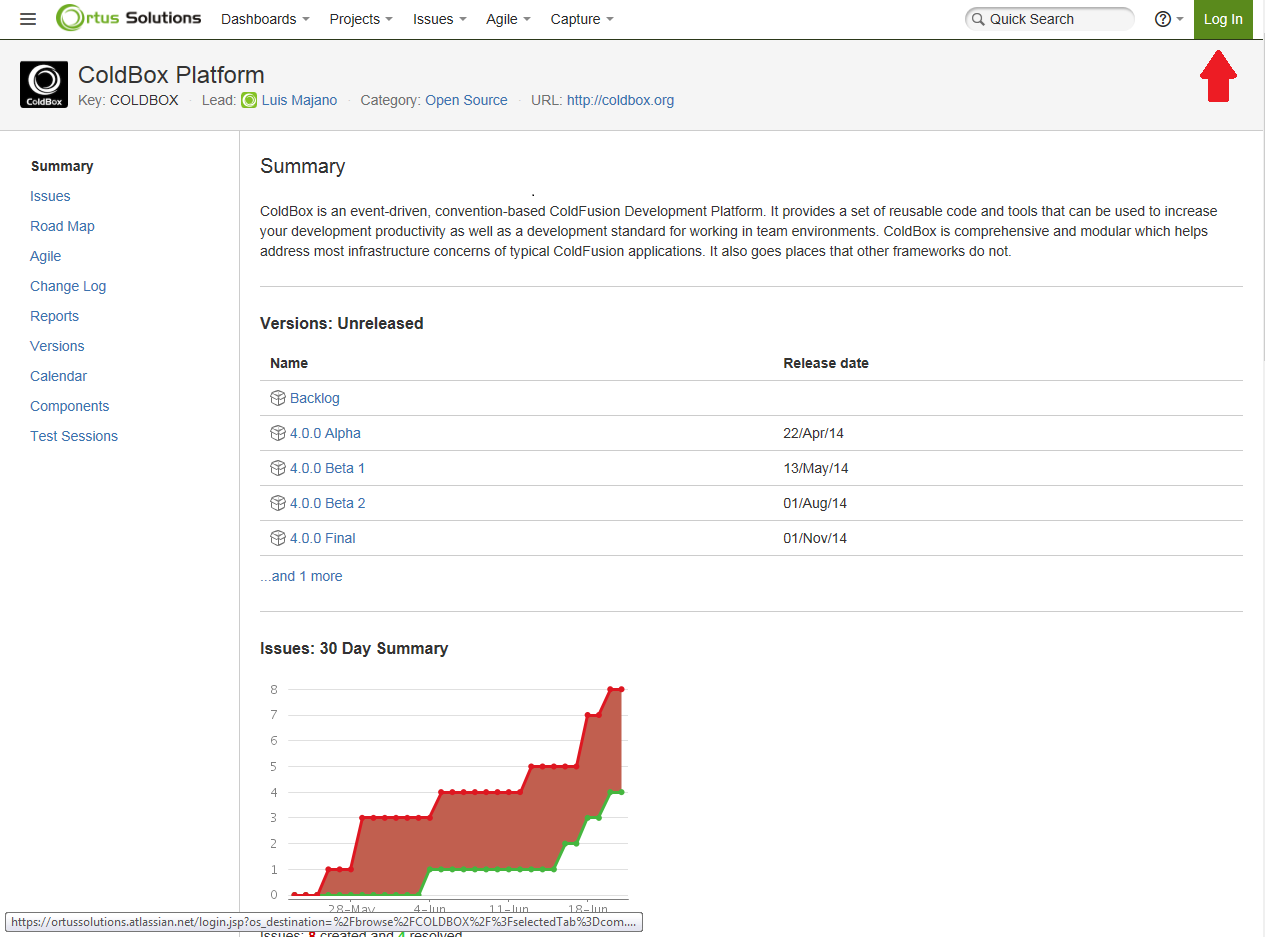
On the log in form, click the "Create an account" link on the right hand column under the username and password fields. Don't be tempted to use the "Log in using Google" option. That only works if your E-mail address ends in @ortussolutions.com!
Luis Majano |
June
26,
2014

 ContentBox Modular CMS v2.0.0 has now been released sporting over 50 issues and enhancements. Check out our
Luis Majano |
June
09,
2014

We are so excited to bring you TestBox 2.0 and MockBox 3.0! These releases are major releases of our libraries and include not only great features but a new repository home. TestBox/MockBox have been decoupled from the ColdBox core and are now available standalone only (http://github.com/ortus-solutions/testbox). &nbs...
Brad Wood |
May
22,
2014

Luis will be speaking at the London Railo Group next Friday, May 30th at 6:30 pm. He will be talking about some of the great stuff we're doing in ColdBox 4 (including the complet...
Brad Wood |
May
16,
2014
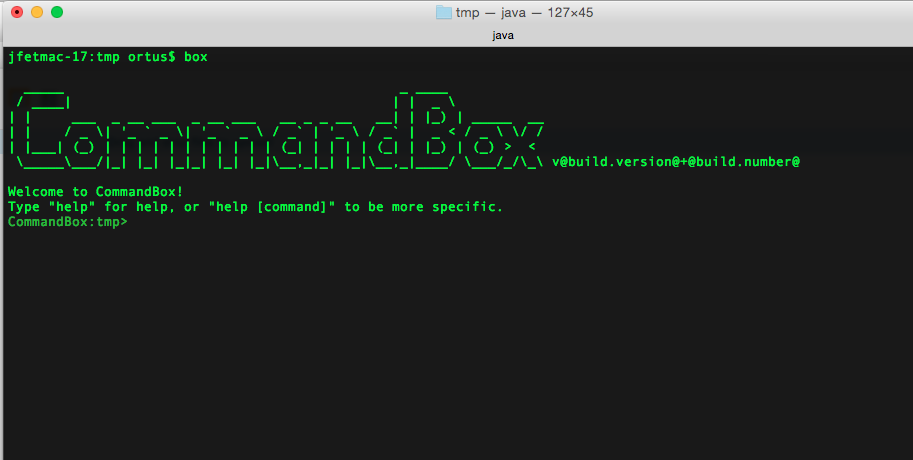
So at Into The Box this week we unveiled our latest here at Ortus that we've been calling project Gideon. I'll note now that I'm blogging this to the Ortus blog because this is not beholden to the ColdBox MVC p<...
Brad Wood |
April
15,
2014

We have just released a new getting started reference cards, ColdBox REST APIs. This will give you quick overview of everything you need to get started building ColdFusion REST APIs based on ColdBox's simple MVC conventions and URL routing.
Download it here a...