
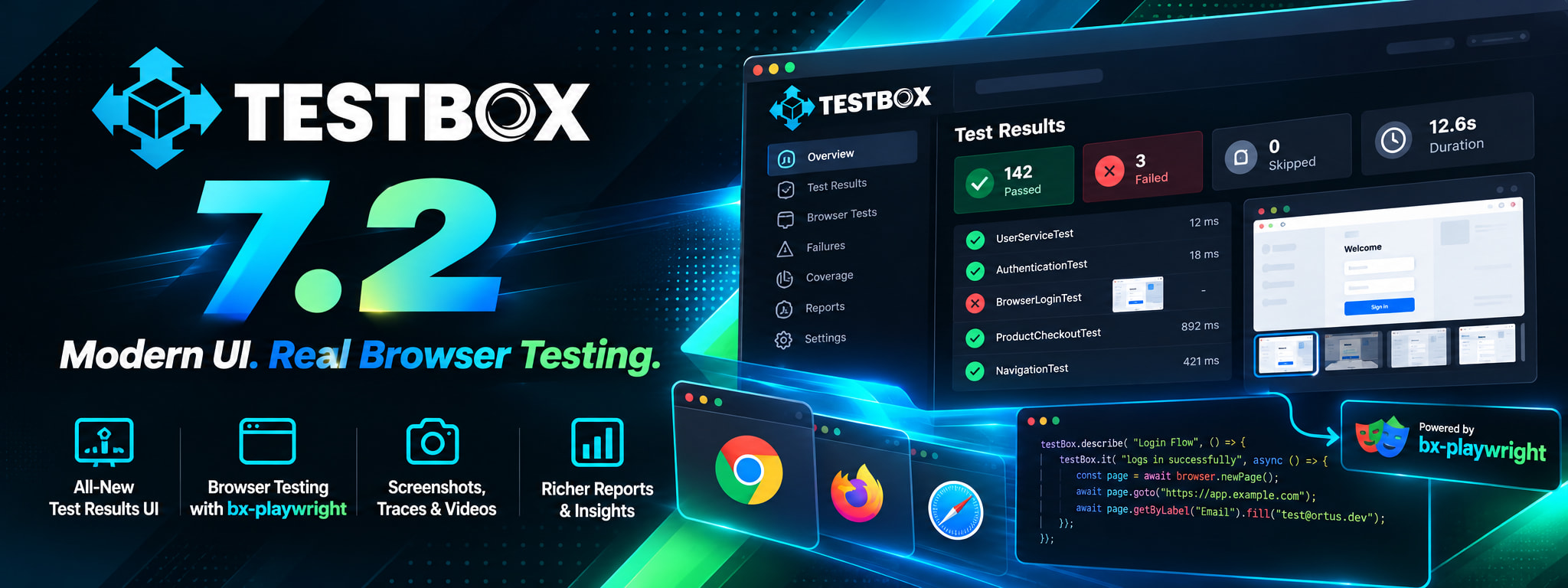
Ortus Solutions today announces the general availability of TestBox 7.2, the biggest TestBox release in years. Built on the new bx-playwright 1.0 module, BoxLang specs can now drive a real browser, assert with web-first matchers that wait until they pass, and keep the screenshots, traces and videos of every failure. Around it, TestBox gains spec retries, a Run Failed option, a rebuilt set of HTML reporters with Ask AI on every failure, and a new Agent reporter that lets AI agents read a test run at minimal token cost.
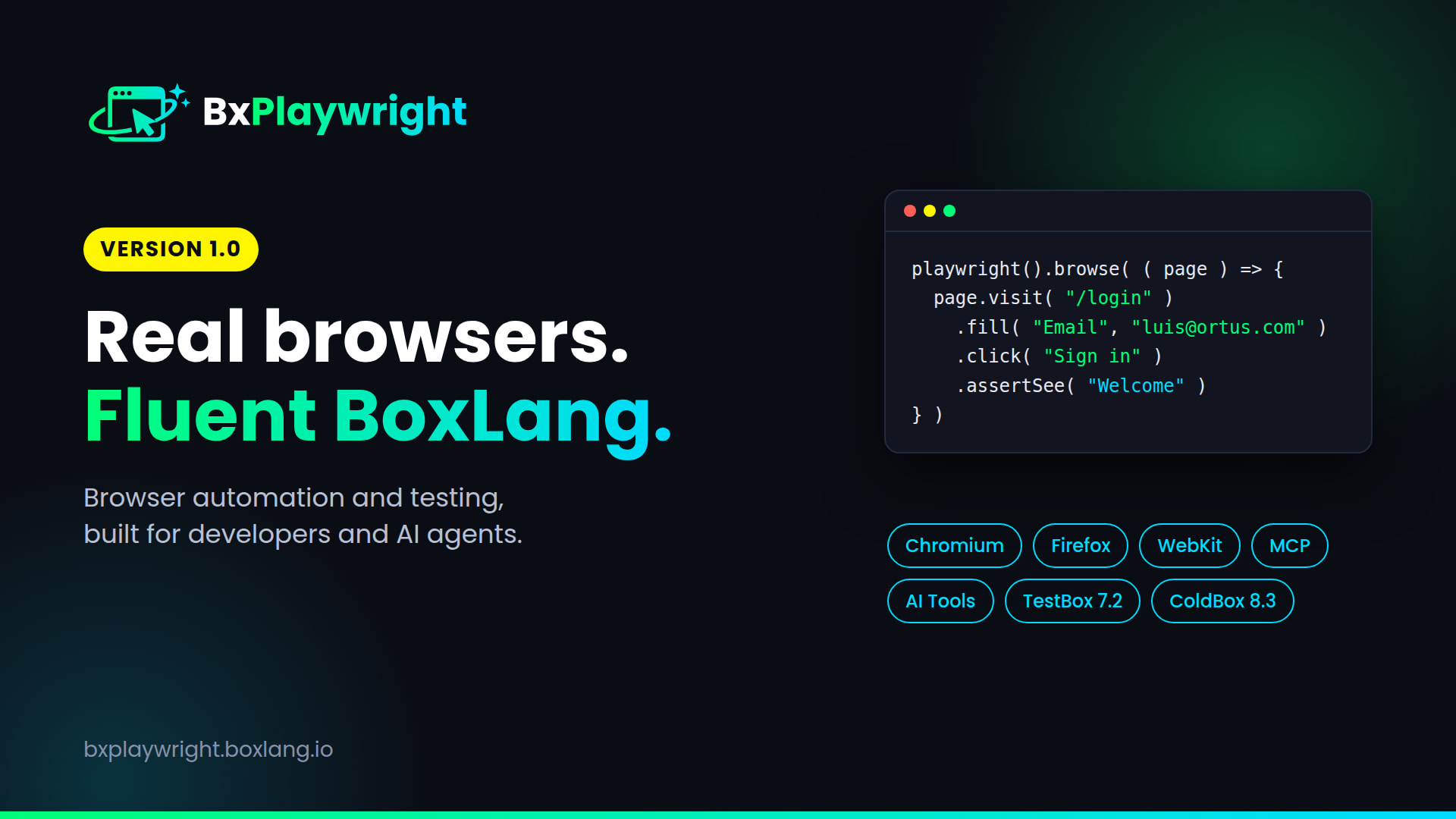
This release ships alongside bx-playwright 1.0 and ColdBox 8.3. The browser is the thread that ties all three together.
install-bx-module bx-playwright
bx-playwright install
Watch it in 80 seconds:
Your specs just got a real browser 🌐
Turn browser support on with a class annotation: @browser, @browserProfile or @baseURL. No special base class needed. Then call browse() and every declared closure argument gets a fresh page in its own isolated browser context.
@baseURL( "http://localhost:8080" )
@browserProfile( "ci" )
class extends="testbox.system.BaseSpec" {

	function run() {
		describe( "Login", () => {
			it( "signs in", () => {
				browse( ( page ) => {
					page.visit( "/login" )
						.fill( "Email", "luis@ortus.com" )
						.fill( "Password", "secret" )
						.click( "Sign in" )
					expect( page ).toHavePath( "/dashboard" )
					expect( page ).toSee( "Welcome" )
				} )
			} )
		} )
	}

}
That is a full user journey, in a spec, in a real browser. A few things worth knowing:
- Inherited annotations. Put
@browseron your project base spec and every child can browse.@browser( false )opts a child out. - Works with BDD and xUnit bundles, on any base class, including a ColdBox
BaseTestCase. - One browser per bundle, shared by its specs and closed by the runner afterwards, even when an
afterAll()throws. - Multi-user flows. Declare more than one page argument in
browse()and you get one page per argument. - Browser installed on first use. Use
@browserAutoInstall( false )if you want to require a pre-installed browser.
Browser specs are BoxLang classes and need the bx-playwright module. On BoxLang without it, the running spec is skipped with an install hint.
Nine matchers that wait for the page ✅
No more sleep() calls. The new browser matchers retry until they pass or the assertion timeout expires, and each one has a not form.
expect( page ).toHaveTitle( "Dashboard" )
expect( page ).toHavePath( "/dashboard" )
expect( page ).toSee( "Welcome" )
expect( page.locator( "h1" ) ).toHaveText( "Your Orders" )
expect( page.locator( "@menu" ) ).toBeVisible()
expect( page.locator( ".spinner" ) ).toBeHidden()
expect( page.locator( ".cart li" ) ).toHaveCount( 2 )
expect( page.byLabel( "Email" ) ).toHaveValue( "luis@ortus.com" )
There is also toHaveURL() with page.regex() for pattern matching. Browser bundles register the matchers for you, and any other BoxLang spec can add them with addMatchers( new testbox.system.browser.BrowserMatchers() ). A failing matcher tells you what it expected and what it found.
More than end-to-end testing: PDFs, screenshots and rendering 📄
Because your specs now have a real browser engine behind them, you can test, and produce, anything a browser can produce. Render a PDF with the Playwright driver, attach it to the spec result, and it shows up right in your reports. attach() works on every engine:
it( "renders the PDF", () => {
	var pdf = getTempDirectory() & "report.pdf"
	new models.Reports().monthly( pdf )
	attach( pdf, "file", "Monthly report" )
} )
Attachments land in the spec stats and in every report format. The HTML reports show screenshots inline as thumbnails that open full size, and the JUnit reports add an [[ATTACHMENT|path]] line per file, which is the format the Jenkins JUnit Attachments plugin and GitLab understand.
And when you want to generate documents straight from a template, bx-playwright gives you the bx:playwrightRender component:
<bx:playwrightRender type="pdf" path="invoice.pdf" format="A4" margin="1cm">
	<h1>Invoice #invoice.id#</h1>
</bx:playwrightRender>
Same driver, same engine, so the PDF your spec verifies is the PDF your users get.
Failures that bring their own evidence 🔍
When a browser spec fails, TestBox attaches the screenshots, trace and videos that bx-playwright kept. You do not reproduce the failure, you open it.
A trace attachment even offers a Copy show-trace command button in the HTML report.
Retries, and run only what failed 🔁
Flaky specs and long suites both get easier to live with. Rerun a failing spec, including its beforeEach() and afterEach(), up to N more times. This works on every engine.
@retries( 1 )
class extends="testbox.system.BaseSpec" {

	function run() {
		describe( "Payment gateway", () => {
			it( title = "charges a card", body = () => {
				expect( gateway.charge( 100 ).status ).toBe( "succeeded" )
			}, retries = 3 )
		} )
	}

}
You can set retries per spec, per bundle, per xUnit method, or for the whole run with --retries=N. The spec value wins over the bundle, which wins over the global option. Reporters show (passed after 2 attempts) so a retry never hides a problem. Retries hide flakiness, they do not fix it, so prefer the web-first matchers and keep the count low.
Then rerun only what broke:
./testbox/run                # 3 specs fail, .testbox-failed.json lists them
./testbox/run --failed       # reruns only those 3
The HTML reports get a Run Failed (N) button next to Run All, and TestResult.getFailedTargets() gives you the same data from code. It works for every spec, browser or not, BDD or xUnit.
Start your app with your tests 🚀
The BoxLang runner can now start your application, wait until it answers, run the tests, and stop the server and its child processes afterwards:
./testbox/run --web-server="boxlang-miniserver --port 8080" --web-server-url=http://localhost:8080 --web-server-timeout=60
The URL becomes the default baseURL of your browser bundles. If the server does not answer in time, the runner exits with code 1.
A completely new look for the HTML reporters ✨
The Simple, Min, Dot and Doc reporters have been rebuilt on AlpineJS with light and dark themes, new TestBox logos, and every feature they already had. They are still fully inlined, so reports run airgapped, and a fully loaded page dropped from about 1.4 MB to about 0.45 MB.
- The verdict first. A green or red banner with totals, a proportion bar and status filters.
- Keyboard navigation. Press
Fto jump to the next failure and/to search. - Highlighted code for BoxLang and CFML, with the failing line marked.
- Run links on every bundle, suite and spec.
- Dot opens a drawer with details, code and Ask AI. Doc has a bundle navigation.
- Responsive, so a CI artifact is readable on a phone.
Ask AI on every failure 🤖
Every failure and error now has an Ask AI menu. It builds a prompt with the spec, the message, the code around the failing line, the first stack frames and the command that reruns only that spec. Copy it, preview it, open it in ChatGPT or Claude, or copy the failure as JSON for a coding agent. Copy all failures for AI builds one prompt for the whole run.
Ask AI is on by default, but nothing leaves the page until you click a provider, and the first time you do, the page tells you what will happen and waits for your confirmation. Tune it with the aiAssist, aiProviders, aiContextLines, aiStackFrames and aiPrompt reporter options, or use ?aiAssist=false to switch it off for a run.
The Agent reporter: test results your AI agent can afford to read
The new Agent reporter returns a single minified JSON line with the totals and only the specs that failed or errored. A passing run is a few dozen tokens, where the full JSON reporter returns the entire result set.
./testbox/run --reporter=agent
{"ok":false,"totals":{"pass":120,"fail":2,"error":1,"skipped":3,"specs":126,"ms":4210},"failures":[{"bundle":"tests.specs.FooTest","spec":"Foo > can add","status":"failed","message":"Expected [4] but received [3]","at":"tests/specs/FooTest.cfc:42"}],"truncated":0}
Control the detail with detail, maxFailures, maxMessageLength, includeStack, stackDepth, includeSkipped and includeDebug. Combine it with bx-playwright's browser tools and your agent can build a feature, browse it, run the suite and read the verdict, all without burning its context window.
Fixes
- The HTML reporter bundle badge no longer shows
-1 errorwhen a bundle throws outside a spec. - The
runscript now quotes its arguments, so runner options with spaces reach the BoxLang runner intact. - Specs that do not extend
BaseSpecrun again on BoxLang. - The
JUnitandANTJunitreporters no longer fail on BoxLang withoutbx-esapi.
Get started
Requirements: BoxLang and the bx-playwright module for browser specs. Everything else in this release works on every engine.
install-bx-module bx-playwright
bxplaywright install
bxplaywright doctor
Then add @browser to a spec and call browse(). Dig into the Browser Testing guide and the full What's New.
Resources
- TestBox 7.2: What's New | Browser Testing guide
- bx-playwright 1.0: Release post | bxplaywright.boxlang.io
- ColdBox 8.3: Release post
- Video playlist: Browser Testing with TestBox & ColdBox [PLAYLIST_URL]
- BoxLang: boxlang.io | BoxLang docs
- Community: Ortus Community Slack
Need help, or want to support TestBox?
- Support plans and consulting: ortussolutions.com/services or consulting@ortussolutions.com
- Support open source: patreon.com/ortussolutions
Your specs can finally open the app. Now go prove it works.


Add Your Comment