
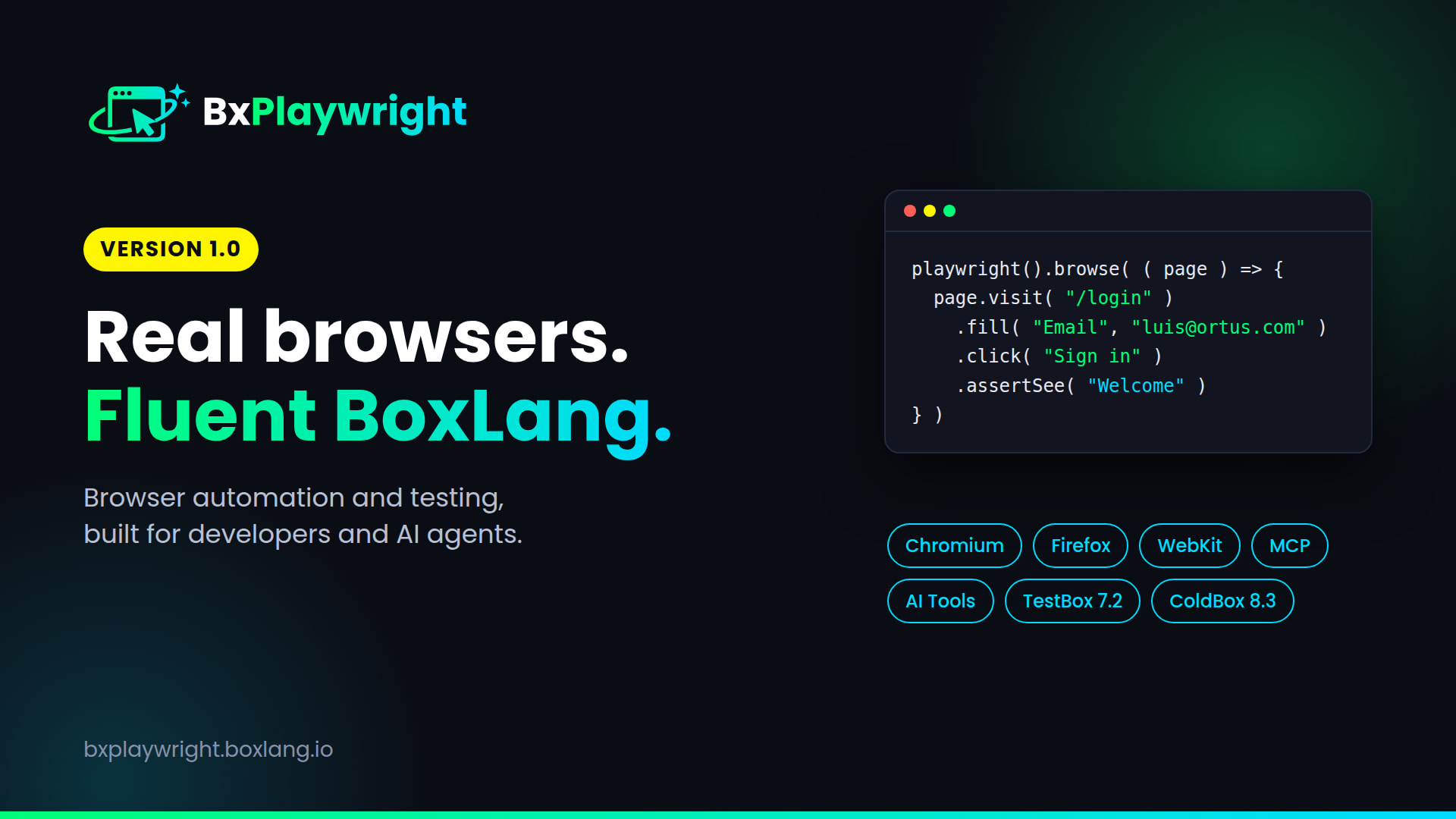
Ortus Solutions today announces the general availability of bx-playwright 1.0, fluent browser automation and testing for BoxLang, powered by Microsoft Playwright. It ships alongside TestBox 7.2 and ColdBox 8.3, which bring real-browser testing straight into your specs. Drive Chromium, Firefox and WebKit, test full user journeys, render PDFs and images, and give your AI agents a real browser to verify the BoxLang applications they build.
playwright().browse( ( page ) => {
	page.visit( "/login" )
		.fill( "Email", "luis@ortus.com" )
		.fill( "Password", "secret" )
		.click( "Sign in" )
		.assertPathIs( "/dashboard" )
		.assertSee( "Welcome back" )
		.screenshot( "dashboard.png" )
} )
That's a full login check. It reads like the steps you'd write on a sticky note, and every line runs in a real browser. 🚀
install-bx-module bx-playwright
bxplaywright install
The BoxLang productivity stack just got eyes 👀
BoxLang is the software productivity platform for building, modernizing and running applications, with developers and AI agents working together. We've been assembling the pieces that make agents productive on BoxLang:
- BoxLang AI for models, agents, tools and memory
- Live MCP documentation servers so agents read current docs instead of guessing
- Skills that teach agents how BoxLang and every framework in the stack actually work
- Machine-readable compiler feedback with
boxlang check --format json, so agents can fix their own errors
That covers writing code. But an agent that writes a login page and never opens it hasn't finished the job. It has guessed. The missing piece was letting the agent, and your test suite, open the app, click through it like a user, and prove it works.
That is bx-playwright. It closes the loop: build, run, browse, assert, fix. Native to BoxLang, on the JVM, with no JavaScript test project bolted on the side. And with TestBox 7.2 and ColdBox 8.3, that browser lives right inside the tests you already write.
Why bx-playwright
- Fluent and chainable. Every action returns the page, so a whole user journey is one readable expression.
- Smart selectors. Target what users see.
"Sign in"finds the button,"Email"finds the field by its label. Need precision? Use@namefordata-testid, plain CSS, Playwright syntax, or AI snapshot refs likeref=e12. - No flaky waits. Assertions retry until they pass or time out (5 seconds by default), so you never sprinkle
sleep()calls through your tests. - Profiles for everything.
playwright( "mobile" ),playwright( [ "android", "dark" ] ),playwright( "ci" ). Dozens of built-in browser, screen, device, appearance and mode presets, merged left to right, plus your own. - No Node project to manage. Install it like any other BoxLang module. The installer fetches the driver, Node.js and browsers for you, or grab
bx-playwright-fullwith Node.js bundled for every platform, ready for air-gapped servers. - Built for agents from day one. Token-efficient snapshots, ready-made tools for BoxLang AI, an MCP server, inline API help, structured errors and official Agent Skills. More on that below.
- Free and open source. Apache 2.0, everything included.
What's in the box 📦
- Browsing: navigation, clicks, typing, forms, uploads, drag and drop, frames, popups and downloads, scoping with
within(), plus locators withcount(),texts(),nth()andfilter() - Assertions: inline
assertSee(),assertPathIs(),assertVisible()and friends, or expect-style matchers liketoHaveTextandtoBeVisible. Wrap checks inpage.soft()to collect every failure at once - Network and APIs: intercept, mock, block or modify requests, listen to console and network traffic, test HTTP APIs directly, and reuse logged-in sessions
- Quality checks: visual regression with diff images, built-in WCAG accessibility audits,
assertNoConsoleErrors()andassertNoSmoke()smoke tests across a list of URLs - Page objects, components and macros: model screens as
PageObjectclasses and reusable widgets asPageComponentclasses, or extend the API with your own macros - Rendering: screenshots, PDFs and rendered HTML from a real browser engine, including the
bx:playwrightRendercomponent - Automation scripts: browser jobs as
.bxsscripts, scheduled with cron or a BoxLang scheduler - Web applications: use it from a running BoxLang server, with
playwrightEnsureBrowser()to provision browsers from server code - CLI:
install,doctor,codegen,screenshot,pdf,show-trace,mcpand more, with bash completions and--jsonoutput - Building on bx-playwright: a documented public contract under semantic versioning, plus interception events like
onPageCreateandonPlaywrightArtifactfor frameworks and libraries
A few tastes:
// Mock an API and block images
page.intercept( "**/api/users" ).respondJson( [ "Luis", "Brad" ] )
page.intercept( "**/*.{png,jpg}" ).abort()

// Visual regression, masking the parts that change
page.assertScreenshotMatches( "dashboard", { fullPage : true, mask : [ "@clock" ] } )

// Accessibility audit
page.assertNoAccessibilityIssues( { exclude : [ "color-contrast" ], impact : "moderate" } )
And rendering with a modern browser engine, straight from a template:
<bx:playwrightRender type="pdf" path="invoice.pdf" format="A4" margin="1cm">
	<h1>Invoice #invoice.id#</h1>
</bx:playwrightRender>
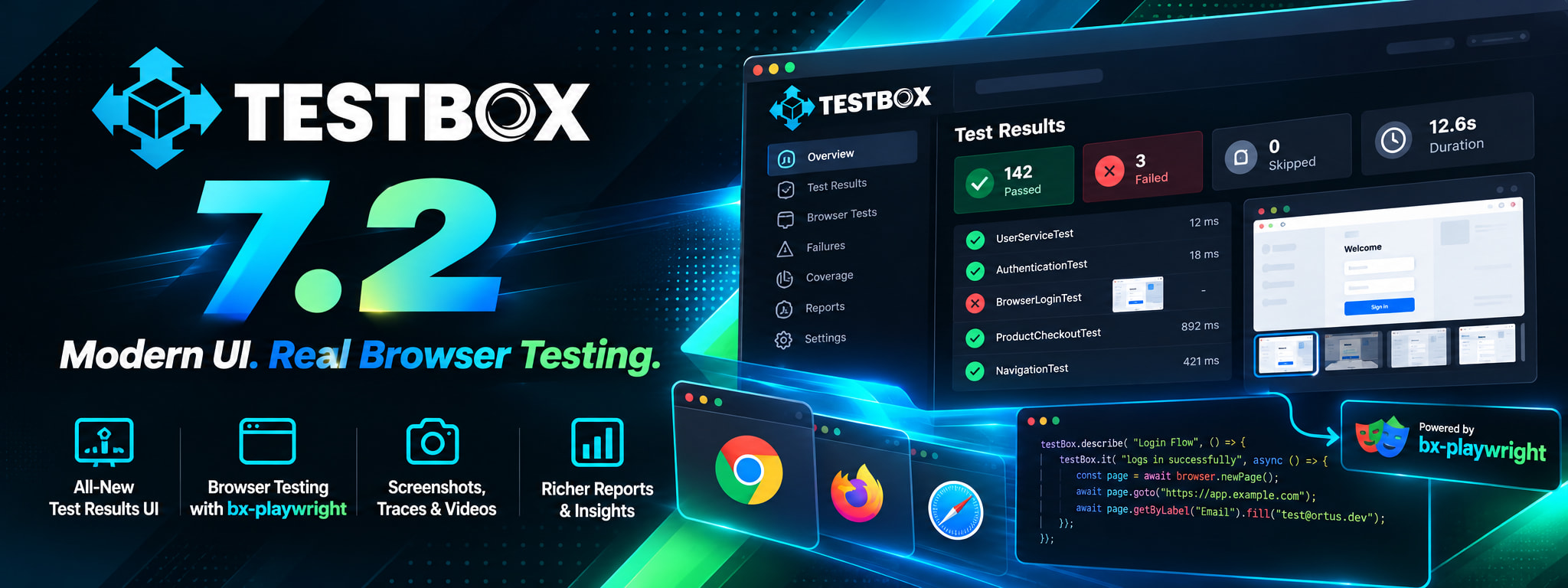
Browser testing, built into TestBox 7.2 and ColdBox 8.3 ✅
Three releases ship together, and the browser is the thread. We'll cover TestBox and ColdBox in depth in their own posts, so here is a taste.
Add @browser to any TestBox spec and you get browse(), isolated pages per spec, and retrying browser matchers. ColdBox 8.3 brings the same to BaseTestCase, with named route helpers like visitRoute() and assertRouteIs() and saved-session logins.
@browser
@baseURL( "http://localhost:8080" )
class extends="testbox.system.BaseSpec" {

	function run() {
		describe( "Login", () => {
			it( "signs in", () => {
				browse( ( page ) => {
					page.visit( "/login" )
						.fill( "Email", "luis@ortus.com" )
						.fill( "Password", "secret" )
						.click( "Sign in" )
					expect( page ).toHavePath( "/dashboard" )
				} )
			} )
		} )
	}

}
Failures bring their own evidence: screenshots, traces and videos attach to the spec. Watch it in action:
When a browser test fails, you see exactly why:
And in ColdBox, your browser specs know your application:
There is more where that came from: nine browser matchers, multi-user flows, spec retries, rerun only what failed, --web-server to start your app with your tests, and more. Dig into the TestBox Browser Testing guide and the ColdBox Browser Testing guide today.
Browser specs are BoxLang classes and need the bx-playwright module. On BoxLang without it they are skipped with an install hint.
Built for AI agents 🤖
This is where bx-playwright stops being "a testing library" and becomes core infrastructure for AI-assisted development on BoxLang.
Snapshots agents can actually read
Screenshots are expensive for a model and raw HTML is noisy. bx-playwright gives agents a compact accessibility tree where every interactive element gets a reference:
println( page.snapshot( options = { mode : "ai" } ) )
// - textbox "Email" [ref=e5]
// - button "Sign in" [ref=e7]

page.fill( "ref=e5", "luis@ortus.com" ).click( "ref=e7" )
The agent sees the page the way a screen reader does, picks a ref, and acts on exactly that element. Fewer tokens, no guessing at selectors.
A browser as a toolset for BoxLang AI
One call turns a Playwright instance into tools any BoxLang AI agent can use:
agent = aiAgent(
	name         : "Browser",
	instructions : "Use the browser tools to complete the task.",
	tools        : playwright( { baseURL : "http://localhost:8080" } ).aiTools()
)

agent.run( "Log in as luis@ortus.com and tell me how many todos I have" )
The agent gets browser_visit, browser_snapshot, browser_click, browser_fill, browser_select, browser_press, browser_back, browser_text, browser_screenshot and browser_close. Every tool returns the updated page state, and errors come back as text instead of exceptions, so the agent can read what went wrong and recover on its own. Using another agent framework? aiToolDefinitions() returns the same tools as plain definitions.
aiTools()uses BoxLang AI, so install it alongside:install-bx-module bx-ai
Playwright MCP for your coding agent
Working in Claude, Cursor, VS Code or another MCP client? One command serves a browser:
bxplaywright mcp --headless

# Claude Code
claude mcp add playwright -- bxplaywright mcp --headless
Add --port 8931 to share one server over HTTP. Your coding agent can now drive a browser against the BoxLang app it's building, right from your editor.
Agent Skills and docs your agent can load
Seven official skills teach your agent browsing, assertions, network, rendering, testing, setup and AI integration:
npx skills add ortus-boxlang/skills/boxlang-modules/bx-playwright
Browse them, plus the TestBox and ColdBox browser testing skills, on skills.boxlang.io. The full docs are also available as llms.txt.
Feedback agents understand
- Inline API help:
page.help(),page.help( "fill" )andplaywright().help()document the API at runtime, so agents look it up instead of hallucinating methods. - Structured errors: every failure has a
type,messageanddetailwith resolution guidance.Playwright.Timeouttells you to check the selector withpage.snapshot().Playwright.NotInstalledtells you to runbxplaywright doctor. - Machine-readable CLI:
--jsonon CLI commands returns structured output and errors, andbxplaywright help --jsondescribes every command.
And for the humans: codegen
Click through your app and get BoxLang code back:
bxplaywright codegen http://localhost:8080 --output=login.bxs
Coming soon: BxAgents
bx-playwright is also a core component of BxAgents, our upcoming conventions-based AI agent framework built on ColdBox and BoxLang AI. That means agents built with BxAgents get a real browser to verify their work, out of the box. We'll have much more to share very soon. 👀
Coming from cbPlaywright?
On BoxLang? bx-playwright is the way forward.
Get started
Requirements: BoxLang 1.17+ and Java 21+. For browser specs: TestBox 7.2+ and, for the route helpers, ColdBox 8.3+.
Two distributions:
bx-playwright(~4 MB): uses Node.js 20+ on your machine, or downloads and verifies one for youbx-playwright-full: Node.js bundled for every platform, so only browsers download. Ideal for air-gapped servers
# Install the module
install-bx-module bx-playwright

# Install the driver, Node.js and Chromium, then verify
bxplaywright install
bxplaywright doctor

# Linux CI: include the system libraries
bxplaywright install chromium --with-deps
Your first script:
// hello.bxs
playwright().browse( ( page ) => {
	page.visit( "https://boxlang.io" )
	println( page.title() )
	page.screenshot( "boxlang.png" )
} )
boxlang hello.bxs
Running on a CommandBox server? Install the module when the server is first set up:
"onServerInitialInstall": "install bx-playwright --nosave"
Full walkthrough in the Getting Started guide.
Resources
- bx-playwright: bxplaywright.boxlang.io | GitHub | ForgeBox
- AI integration guide: bxplaywright.boxlang.io/ai
- TestBox 7.2: What's New | Browser Testing guide
- ColdBox 8.3: What's New | Browser Testing guide
- Agent Skills: skills.boxlang.io
- BoxLang: boxlang.io | BoxLang docs | BoxLang AI
- Community: Ortus Community Slack
- Professional support and consulting: ortussolutions.com/services
Your agents can write the code. Now they, and your test suite, can prove it works.


Add Your Comment