
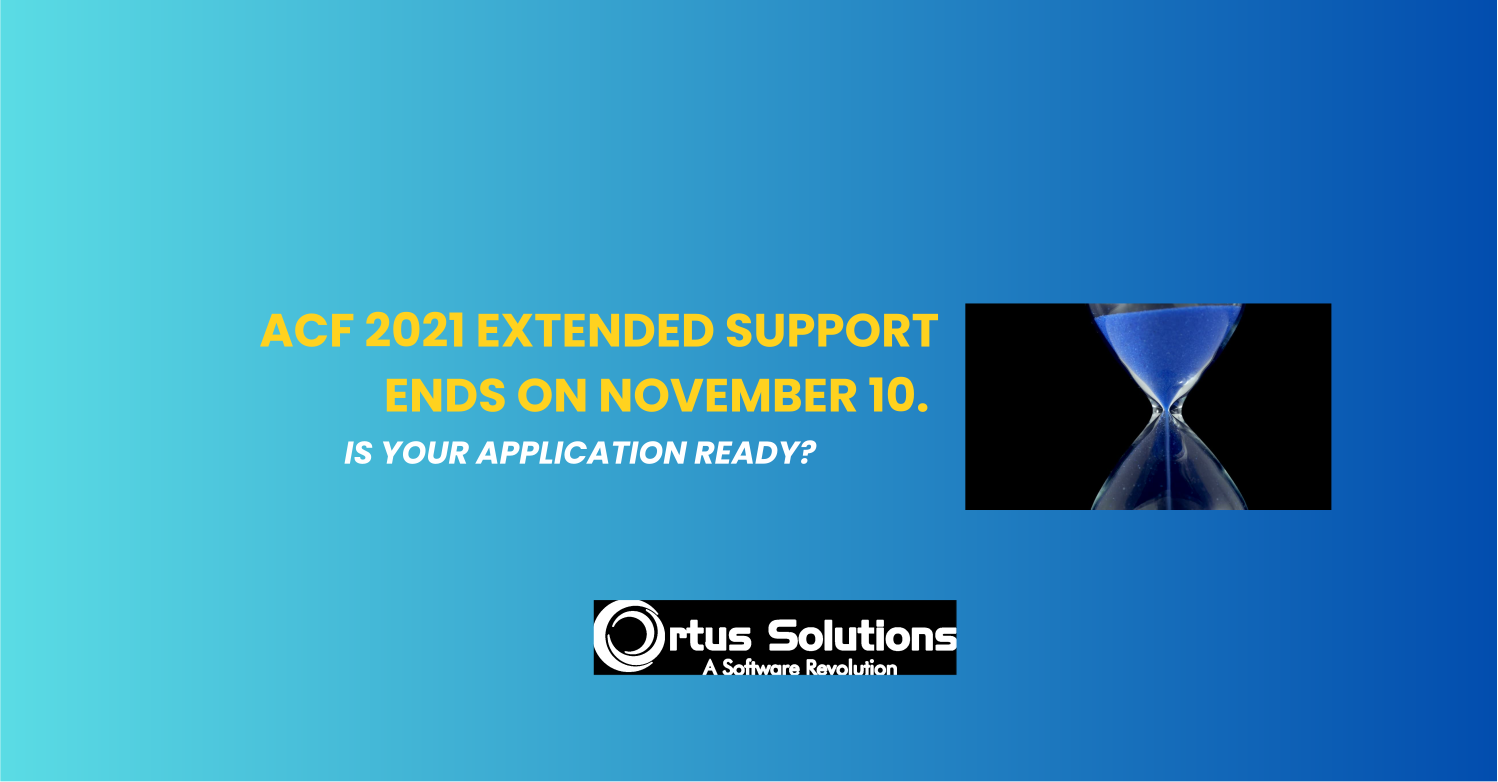
Adobe ColdFusion 2021 reaches the end of extended support on November 10, 2026. If your application still runs on this release, the time to decide what comes next is now.
Adobe ended core support for ColdFusion 2021 on November 10, 2025. The current extended support period is best effort and does not include security patches or hotfixes. When it ends on November 10 2026, organizations will no longer have that support option from Adobe for ColdFusion 2021.
What does the end of extended support mean?
The date does not mean that your application will suddenly stop working. Your ColdFusion server may continue running as it does today. The change is that you can no longer count on Adobe’s extended support for that release if you encounter a problem.
In practical terms, that can affect your ability to:
- Get help from Adobe diagnosing a ColdFusion 2021 issue.
- Receive a hotfix if a product defect affects your application.
- Get a security update for a newly discovered vulnerability in that release.
- Rely on Adobe to help resolve issues that arise as your operating system, Java version, database, or other infrastructure changes.
ColdFusion 2021 already passed the end of core support in 2025. Adobe identifies Update 23 as the final update for the release. The end of extended support therefore marks the end of the additional, best-effort assistance period; it does not mark the first day without security patches.
This does not mean every application will fail or that a security incident is inevitable. It means your organization will have fewer options for vendor assistance if something goes wrong, and will need to manage the technical and security risks itself. That may involve additional monitoring, compensating security controls, in-house troubleshooting, or moving to a supported platform.
Older ColdFusion versions may already be outside support
If your application runs on a ColdFusion version older than 2021 and you have not taken action, check its lifecycle now. You may already be operating outside the version’s support period, without a current upgrade or migration plan.
Running unsupported software does not automatically mean your application has been compromised. It does mean that you may not receive fixes for newly discovered problems, and that your team could have to investigate or mitigate issues without help from the vendor. That creates risk for security, uptime, maintenance, and future modernization work.
Your application will keep running. The risk does not go away.
The impact depends on your system. A stable application with strong internal expertise and security controls may be manageable in the short term. A business-critical application with limited documentation, aging infrastructure, or few people who understand the code may need more urgent attention.
A migration or upgrade also takes planning. Teams may need to review custom code, third-party libraries, Java versions, integrations, infrastructure, and testing coverage. Starting that work only when support ends can leave too little time to evaluate options and test changes.
Choose a path that fits your application
There is no single right answer for every ColdFusion system. Depending on your application, team, and timeline, you might:
- Stabilize and maintain the application while planning a longer-term modernization.
- Evaluate BoxLang as an alternative runtime for CFML applications.
- Modernize selected parts of the system incrementally.
BoxLang supports CFML through its compatibility capabilities, which can make it a migration option for some applications. Compatibility depends on the application’s code, frameworks, libraries, and integrations, so a technical assessment should come before any migration decision.
Start with an assessment
Ortus Solutions helps teams troubleshoot and support ColdFusion applications, assess modernization options, and plan migrations. We can review your current version, application dependencies, infrastructure, and business constraints, then help you identify a practical next step.
If you are running ColdFusion 2021, or an earlier release, do not wait for the deadline to start planning. Schedule a free 30-minute assessment with Ortus Solutions.
Sources: Adobe ColdFusion 2021 support timeline · ColdFusion 2021 updates


Add Your Comment