
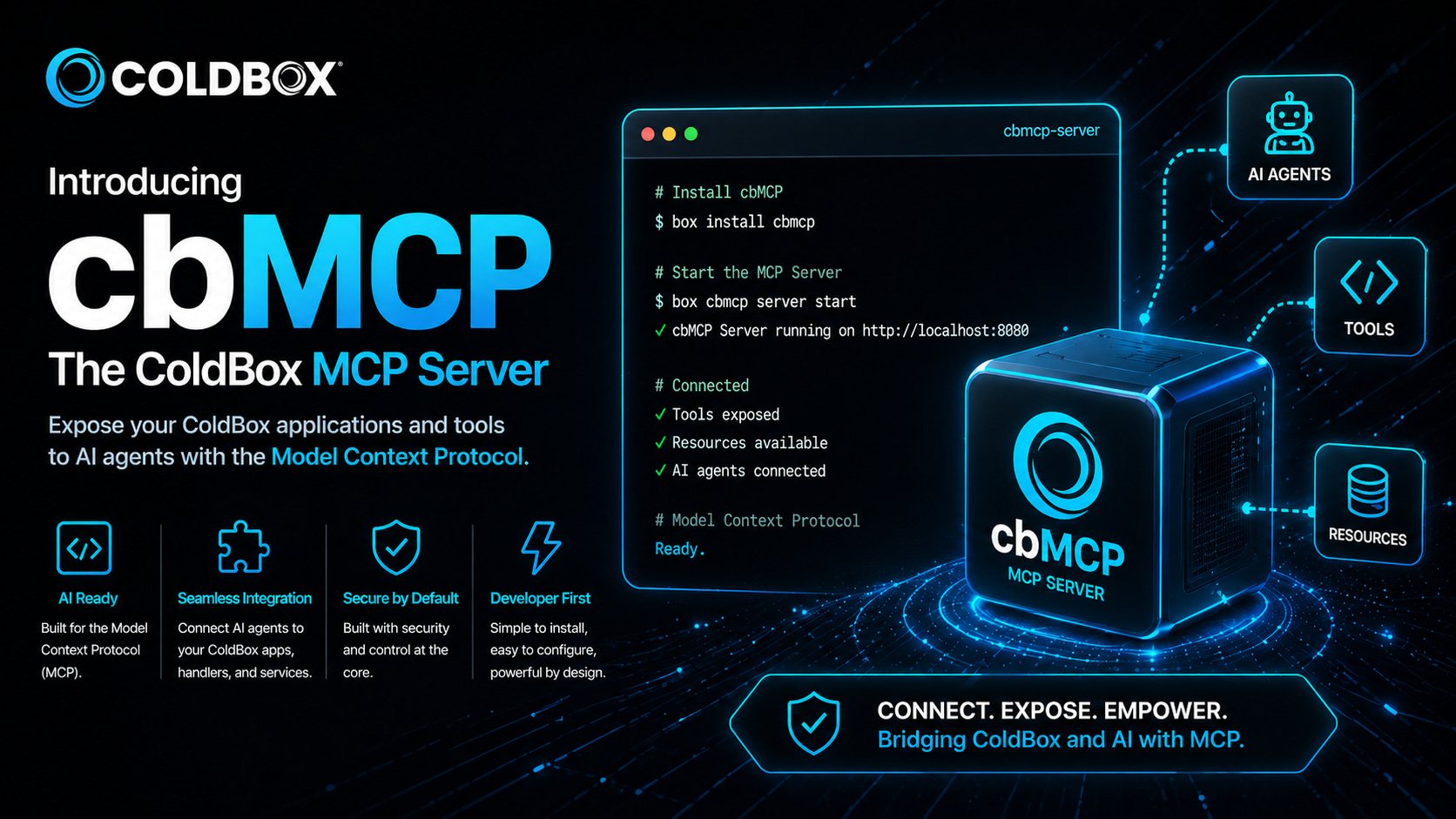
Today we're releasing cbMCP, the official ColdBox MCP Server — a BoxLang-exclusive module that turns your running ColdBox application into a fully-compliant Model Context Protocol (MCP) server. Plug in any MCP-capable AI client — Claude Desktop, VS Code Copilot, Cursor, Codex, Gemini CLI, OpenCode — and your AI assistant gets live, read-only introspection across the entire ColdBox platform: routing, handlers, modules, WireBox, CacheBox, LogBox, schedulers, interceptors, and async executors. 🎯
This is the initial public release, and it's the third pillar in our Agentic ColdBox story:
- 🛠️ ColdBox CLI 8.11 wires AI tooling into your project workflow
- 🎓 skills.boxlang.io delivers curated, audited AI skills for the entire Ortus ecosystem
- 🛰️
cbMCP(this post) makes your running app itself addressable by your AI agent
Skills and guidelines teach an agent the framework. cbMCP teaches it your specific app, right now, in production. From static knowledge to live awareness — that's the leap. 🚀
🤔 Why This Matters
Every developer has had this moment. You ask your AI assistant, "What routes does my app expose under /api/users?" and it cheerfully invents three plausible-looking endpoints that don't exist. Or you ask, "Why is the template cache filling up?" and it suggests generic ColdBox advice that has nothing to do with your actual hit rate, key distribution, or eviction settings.
The agent isn't lying — it just can't see your app. It's reasoning from training data and whatever you've pasted into the context window. Static skills make that reasoning more accurate, but they're still reasoning about the app from outside.
cbMCP closes that gap. The agent stops guessing and starts asking the application directly — over the standard MCP protocol, with structured JSON responses, in real time. 💚
🏗️ How It Works
cbMCP registers itself at cbmcp in your application via ModuleConfig.bx. The moment your app boots, the MCP endpoint is immediately live at:
http://<host>:<port>/cbmcp
# Or, if SSL is enabled (recommended for AI client connections):
https://<host>:<port>/cbmcp
No routing configuration. No extra setup. Just install and go.
Under the hood, cbMCP rides on top of the bx-ai module and uses the standard MCP protocol over HTTP/SSE. AI clients perform the standard MCP handshake, get back a list of available tools and resources, and start calling them as needed during the conversation. 🛰️
⚡ Installation
The release ships with two simple install steps:
# Step 1 — BoxLang AI runtime (required dependency)
box install bx-ai

# Step 2 — cbMCP module
box install cbmcp
⚠️ BoxLang Required: cbMCP is a BoxLang-only module. It requires BoxLang 1.x, ColdBox 8+, and the
bx-aimodule. CFML projects can still consume MCP from external servers, but cbMCP itself runs on BoxLang.
If you're on the latest ColdBox CLI 8.11, you can also install and register cbMCP in one shot:
coldbox ai mcp install
This installs the module, registers it as a custom MCP server in your manifest.json and .mcp.json, and makes it discoverable by every AI agent already configured in your project. ✨
🔌 Connecting Your AI Client
cbMCP works with any MCP-compatible client. Two of the most common setups:
Claude Desktop
Add to ~/Library/Application Support/Claude/claude_desktop_config.json (macOS) or the equivalent path on Windows:
{
  "mcpServers": {
    "cbMCP": {
      "type": "http",
      "url": "https://127.0.0.1:<port>/cbmcp"
    }
  }
}
Restart Claude Desktop. The cbMCP server appears in the tools panel and Claude can immediately introspect your running app.
VS Code / GitHub Copilot
Add to .vscode/mcp.json (project-scoped) or your user-level VS Code MCP settings:
{
  "servers": {
    "cbMCP": {
      "type": "http",
      "url": "https://127.0.0.1:<port>/cbmcp"
    }
  }
}
Cursor, Codex, Gemini CLI, OpenCode, and any other HTTP/SSE MCP client all connect the same way — point them at the endpoint, done. 🌐
📚 Full connection examples (including the
@depasquale/mcp-http-stdio-bridgefor plain HTTP): see the official cbMCP docs.
🧰 What's in the Box: 10 Tool Classes, 50+ Tools
cbMCP ships with 10 auto-discovered tool classes. Every function annotated with @mcpTool is surfaced to the connected AI client at startup. Here's the lay of the land:
🖥️ SystemTools
The runtime fundamentals: server time, ColdBox settings, runtime info, application structure, individual setting lookup, and an on-demand reinit_app. The tools your agent reaches for when it needs to ground itself in what kind of app it's even talking to.
🎯 HandlerTools
get_handlers returns every registered event handler with its actions. get_handler( handlerName, [moduleName] ) zooms in on metadata for a specific one. Great for "show me everything UserController exposes" workflows.
🛣️ RoutingTools
list_routes, list_module_routes, get_module_routes( moduleName ), and get_router_settings. Your agent can finally answer "what routes match /api/users?" with the truth instead of educated fiction.
📦 ModuleTools
get_modules (full metadata), get_loaded_modules (flat list), and get_module( moduleName ) (single-module deep dive). When your app has 30+ modules installed, this is how the agent navigates the architecture.
🧩 WireBoxTools
get_wirebox_mappings, has_mapping( name ), get_mapping( name ). The dependency injection graph becomes inspectable. "Which mappings are singletons?" stops being a guessing game.
💾 CacheBoxTools
The richest surface area in the bunch — 17 tools covering providers, stats, keys, sizes, metadata, and a full set of clear operations (single key, all keys, event caches, view caches, multi-clear variants). Your agent can read cache health, identify hotspots, and even surgically clear problematic entries.
📋 LogBoxTools
get_logbox_info, get_loggers, get_logger( category ), get_appenders, get_root_logger, plus the two killer features: read_log_entries( [appenderName], [limit=100] ) to pull recent entries from file appenders, and get_last_error( [appenderName] ) to surface the most recent ERROR or FATAL. "Are there any errors in my logs in the last hour?" becomes a one-tool call. 🔍
🪝 InterceptorTools
get_interceptors lists every registered interceptor; get_interceptor_states shows every interception point and its listeners. Critical for AOP-heavy apps where ordering and conflicts cause subtle bugs.
⏰ SchedulerTools
Read-only and action-capable: get_schedulers, get_scheduler( name ), get_task_stats, plus run_task, pause_task, and resume_task. Your agent can not only inspect scheduled work, but trigger or pause it on demand.
🧵 AsyncTools
get_executors (with stats) and get_executor_names. The async runtime becomes visible — useful for diagnosing thread pool saturation or executor configuration issues.
📚 Full tool reference with every parameter: see the cbMCP documentation.
📡 MCP Resources — Ambient Context, Always Available
Beyond tools, cbMCP exposes MCP Resources — read-only context that AI clients can read at any time, without an explicit tool call. Resources are background knowledge automatically available to the agent throughout the conversation.
| URI | What It Surfaces |
|---|---|
coldbox://app/settings | All active ColdBox application configuration |
coldbox://app/modules | Currently activated modules with key metadata |
coldbox://app/routes | All registered application routes |
coldbox://app/handlers | All registered event handlers |
Think of resources as the agent's standing situational awareness — it knows what app it's in before it even decides to look. 🧠
🎬 MCP Prompts — Pre-Packaged AI Workflows
cbMCP also ships with MCP Prompts: ready-made AI workflows that appear in the client's prompt library. Pick one, and the agent runs it against your live application automatically.
| Prompt | What It Does |
|---|---|
coldbox_app_overview | Generates a comprehensive overview of the running app |
debug_handler | Diagnoses issues with a specific event handler |
cache_health_report | Produces a CacheBox health report across all providers |
interceptor_audit | Audits interceptors and interception points for conflicts and ordering issues |
These are the kind of recurring questions every ColdBox developer asks during debugging or onboarding — and now they're a single click in your AI client. 🎯
🛠️ Extending cbMCP — Bring Your Own Tools
cbMCP is designed to be extended, not just consumed. You can register your own tool classes and turn your app's domain logic into MCP-callable surface area for your AI assistant.
The pattern is dead simple — annotate any BoxLang function with @AITool and @mcpTool, and the docblock becomes the tool's description visible to the AI client:
// models/tools/MyAppTools.bx
class {

    property name="productService" inject="ProductService";

    /**
     * Get the 10 best-selling products by revenue.
     */
    @AITool
    @mcpTool
    function get_top_products() {
        return productService.getTopSellers( limit: 10 );
    }

    /**
     * Get a single product by its SKU.
     *
     * @sku The product SKU to look up (e.g. "COLD-001")
     */
    @AITool
    @mcpTool
    function get_product( required string sku ) {
        return productService.getBySKU( arguments.sku );
    }

}
💡 Both annotations are required.
@AIToolregisters the function with thebx-aitool registry;@mcpToolmarks it for MCP protocol discovery and exposure.
You can also register tools fluently against the live MCP server instance:
// Get the cbMCP server instance from BoxLang AI
mcpServer( "cbMCP" )
    // Register a new tool
    .registerTool(
        aiTool( "getWeather", "Get current weather for a location", ( location ) => {
            return weatherService.getCurrent( location )
        } )
        .describeArg( "location", "City name or coordinates" )
    )
    // Register an array of tools
    .registerTools( [
        aiTool( "getNews", "Get latest news headlines", ( topic ) => {
            return newsService.getHeadlines( topic )
        } ).describeArg( "topic", "News topic or category" ),
        aiTool( "getTime", "Get current server time", () => {
            return new Date().toISOString();
        } )
    ] )
    // Scan a package of tools
    .scan( "models.aitools" )
    // Or a single tool class
    .scan( "my.tool.Here" )
In ten minutes, you've turned your business logic — ProductService, OrderService, whatever lives in your domain — into a set of capabilities your AI assistant can call directly. ⚡
💬 What This Looks Like In Practice
Once cbMCP is connected, the kinds of questions your AI agent can answer change dramatically:
"What routes does my app have that match /api/users?"
  → tools/call list_routes

"Which WireBox mappings are singletons?"
  → tools/call get_wirebox_mappings

"Show me the hit rate of the `template` cache."
  → tools/call get_cache_stats { cacheName: "template" }

"Are there any ERROR entries in my logs in the last hour?"
  → tools/call get_last_error

"What scheduled tasks are registered, and when did they last run?"
  → tools/call get_schedulers

"Run the nightly-cleanup task now."
  → tools/call run_task { schedulerName: "AppScheduler", taskName: "nightly-cleanup" }
Every one of these used to require a developer at a terminal, a dashboard, or a custom admin page. Now they're a sentence in your AI client. 🚀
🔐 A Note on Safety
cbMCP is read-mostly by design. Inspection tools are read-only. The handful of tools that do mutate state — reinit_app, clear_* cache operations, run_task, pause_task, resume_task — are explicit, narrowly scoped, and deliberately surfaced.
We strongly recommend running cbMCP over SSL and binding it to local interfaces in production. Protocol-level auth and finer-grained ACLs are on the roadmap. For now, treat the cbMCP endpoint the way you'd treat any other admin surface: trusted clients only. 🔒
🌟 The Trio: CLI + Skills + MCP
This release closes the loop on what we've been calling Agentic ColdBox — a complete, opinionated stack for AI-assisted development on the BoxLang platform:
- ColdBox CLI 8.11 —
.agents/,AGENTS.md, automatic skill and MCP server discovery, slimmer agent files, andcoldbox ai mcp installfor one-command cbMCP setup - skills.boxlang.io — 200+ curated, audited AI skills covering BoxLang, ColdBox, TestBox, CommandBox, and the entire Ortus ecosystem
- cbMCP (this release) — your live, running application as an addressable MCP server with 10 tool classes, 4 resources, 4 prompts, and a clean extension model
CLI handles the workflow. Skills handle the knowledge. cbMCP handles the awareness. Together, they're the foundation for AI agents that genuinely understand your ColdBox application — not in the abstract, but specifically, in real time. 💚
🚀 Get Started
# Install
box install bx-ai
box install cbmcp

# Or via the ColdBox CLI 8.11
coldbox ai mcp install
Boot your app. Point your AI client at https://127.0.0.1:<port>/cbmcp. Ask it anything. 🎯
📚 Resources
- Official Docs: coldbox.ortusbooks.com/digging-deeper/ai/coldbox-mcp-server
- GitHub: github.com/coldbox-modules/cbmcp
- ForgeBox:
box install cbmcp - BoxLang AI: ai.boxlang.io
- MCP Protocol Spec: modelcontextprotocol.io
- ColdBox CLI 8.11 Announcement: Read more →
- skills.boxlang.io Launch: Read more →
- BoxLang Plans: boxlang.io/plans
Got a custom tool you've built on top of cbMCP? A workflow you wish existed as a built-in prompt? An MCP integration story to share? Reach out — this is day one, and the roadmap is shaped by what the community builds with it. 💚


Add Your Comment