
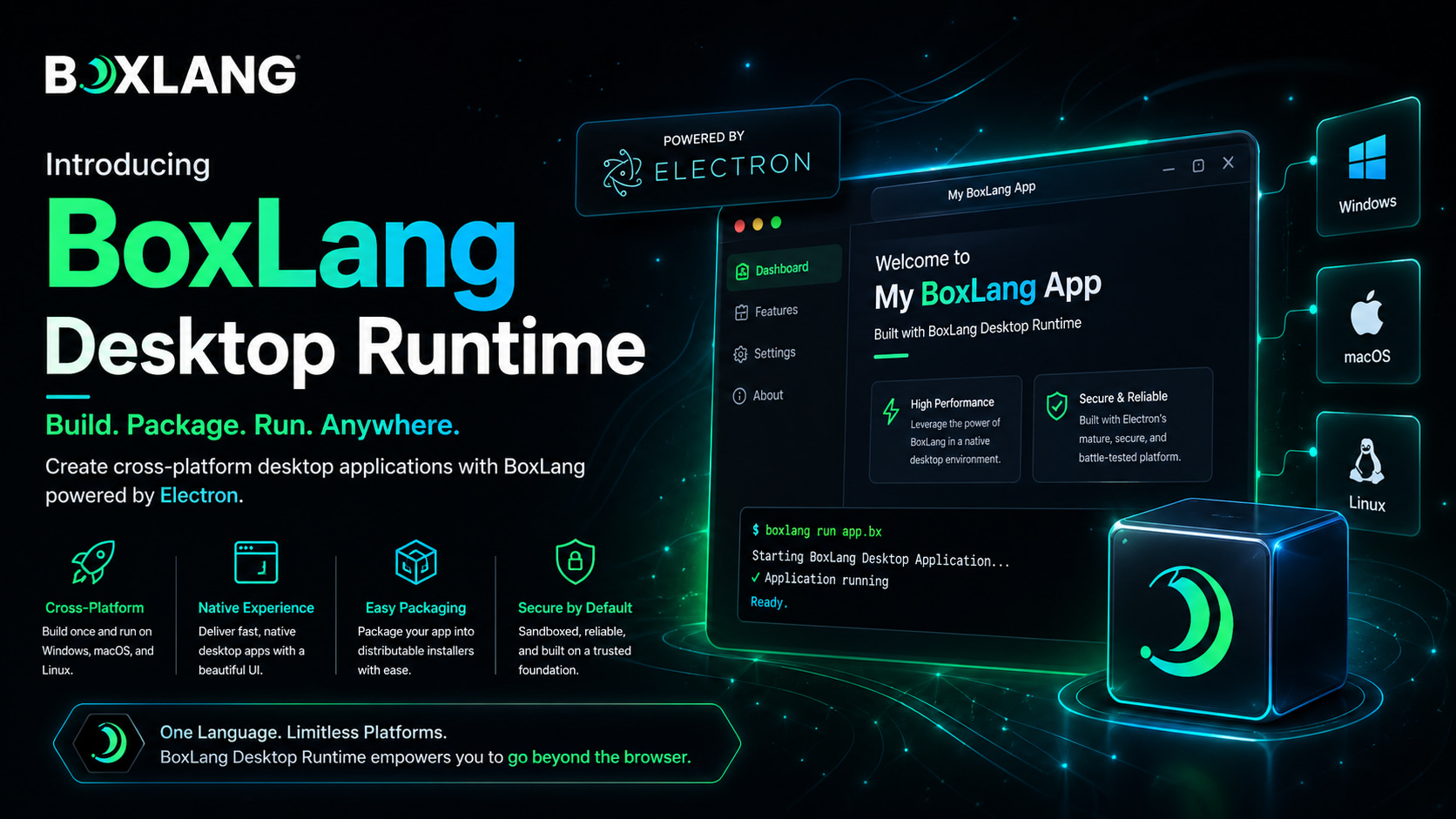
Today we're shipping the initial release of the BoxLang Desktop Runtime — powered by Electron, BoxLang, and Vite. With one starter, one npm run dev, and one packaging command, you can build and distribute professional desktop applications for macOS, Windows, and Linux using the BoxLang you already know. 🎯
This is BoxLang's newest runtime joining a deliberately growing list — web servers, AWS Lambda, Google Cloud Functions, Android (in development), and now desktop. Same language, same idioms, same modules — different shell. Write once, deploy where your users are. 🚀
📚 Want the full multi-runtime story? See Running BoxLang for every runtime BoxLang supports today and where it's headed.
🎁 The Starter: Clone, Code, Deploy
The fastest way to understand the new runtime is to run it. We've published a complete, batteries-included starter template:
🔗 github.com/ortus-boxlang/boxlang-starter-desktop-electron
Click "Use this template" on GitHub, clone it, and you're 60 seconds away from a running desktop app:
git clone https://github.com/<your-org>/<your-repo>.git mydesktopapp
cd mydesktopapp

box install                    # BoxLang dependencies (if any)
npm install                    # Electron, Vite, etc.
npm run package:miniserver     # Download MiniServer pinned in .bvmrc

npm run dev                    # Vite + Electron, with HMR
That's it. Native window, system tray, app menu, global keyboard shortcuts, BoxLang server, frontend build pipeline, SQLite database — all wired up and waiting for your code. 💚
ColdBox Starter Template
We have also created a new ColdBox template for building MVC Desktop applications: https://github.com/coldbox-templates/boxlang-desktop
# Create it using the ColdBox CLI
box coldbox create app skeleton="desktop"

# code, package deploy
npm install                    # Electron, Vite, etc.
npm run package:miniserver     # Download MiniServer pinned in .bvmrc
npm run dev                    # Vite + Electron, with HMR
🏗️ What's Inside: Three Layers, One App
The runtime cleanly separates three concerns so each layer owns its job:
| Layer | Technology | What It Does |
|---|---|---|
| Desktop shell | Electron | Native window, tray, menus, shortcuts, OS integration |
| App server | BoxLang MiniServer | BoxLang template and class execution |
| Frontend assets | Vite + Alpine.js + Bootstrap 5 | JS, SCSS, HMR in dev / hashed bundles in prod |
The architecture is the key part: your desktop app ships a real HTTP server running locally — not Electron's renderer process playing fetch tricks. Your BoxLang code runs exactly the same way it runs on the web. Same Application.bx, same queryExecute, same modules. The desktop shell is just a native window that points at 127.0.0.1. 🔥
flowchart LR
    A[Electron Main.js] --> B[BoxLang.js Process Manager]
    B --> C[BoxLang MiniServer]
    C --> D[public/Application.bx]
    A --> E[BrowserWindow]
    E --> C
This means no rewrites. If you've built a BoxLang web app, you've already built the hard part of a BoxLang desktop app. ⚡
🎁 What You Get Out of the Box
Everything the starter ships with on day one:
- 🛰️ BoxLang MiniServer running inside the desktop app on a local port
- 🪟 Electron shell with app menu, system tray, global shortcuts, and native window lifecycle
- ⚡ Vite build pipeline for JS and SCSS assets — Alpine.js + Bootstrap 5 included
- 💾 SQLite datasource pre-configured via
Application.bx— local storage with zero setup - 📦 Full packaging flow for macOS (
.dmg,.pkg), Windows (.exe), and Linux (.deb,.rpm, Flatpak) - 🎨 Icon generator for cross-platform
.icns,.ico, and.pngvariants - 🔐 Code signing hooks for macOS notarization and Windows Authenticode (just supply credentials)
- 🚀 Electron Forge as the build/packaging toolchain — single command, multi-platform output
🛠️ The Day-to-Day Loop
The development experience is exactly what you'd want it to be:
# One command starts everything
npm run dev
- ✏️ Edit BoxLang templates in
public/→ save and refresh, no compile cycle - 🎨 Edit SCSS or JS in
resources/assets/→ Vite HMR pushes changes instantly to the Electron window - 🪟 Edit Electron modules in
app/electron/→ restart Electron and you're back
BoxLang's no-restart template loop combined with Vite's hot-reload pipeline means you spend your time writing code, not waiting for builds. 🎯
📦 Packaging Across Three Platforms
When you're ready to ship, Electron Forge handles the heavy lifting:
# Package for the current platform
npm run package

# Or target a specific platform
npm run package:mac     # → .dmg, .pkg, .zip
npm run package:win     # → .exe (Squirrel installer), .zip
npm run package:linux   # → .deb, .rpm, Flatpak, .zip

# The full pipeline: package MiniServer + build + make
npm run package:full
⚠️ Heads up: Electron Forge produces platform-specific artifacts. To make a macOS
.dmg, build on macOS. For real cross-platform releases, use a CI matrix (GitHub Actions withmacos-latest,windows-latest,ubuntu-latestworks beautifully). The starter is set up to work in CI out of the box.
Code signing is wired up for both macOS (Developer ID + notarization) and Windows (Authenticode + Azure Trusted Signing) — just set your credentials as environment variables and Forge handles the signing step automatically. 🔐
💻 What Coding Looks Like
Once you're in, building a feature is just BoxLang. Here's a real-world slice — a record service backed by the bundled SQLite datasource:
// app/models/RecordService.bx
class {

    function getAll() {
        return queryExecute(
            "SELECT * FROM records ORDER BY createdAt DESC",
            {},
            { datasource : "boxlangDB" }
        )
    }

    function save( required struct data ) {
        queryExecute(
            "INSERT INTO records ( title, body ) VALUES ( :title, :body )",
            {
                title : { value : data.title, sqltype : "varchar" },
                body  : { value : data.body,  sqltype : "varchar" }
            },
            { datasource : "boxlangDB" }
        )
    }
}
Wire it in Application.bx:
public boolean function onApplicationStart(){
    application.recordService = new app.models.RecordService()
    return true
}
And use it from any .bxm template:
<bx:script>
    var records = application.recordService.getAll()
</bx:script>

<!DOCTYPE html>
<html lang="en">
<head>
    <title>Records</title>
    <bx:output>#application.viteHelper.styles( "app" )#</bx:output>
</head>
<body>
    <h1>Records: <bx:output>#records.recordCount#</bx:output></h1>
    <bx:output>#application.viteHelper.scripts( "app" )#</bx:output>
</body>
</html>
Need a global shortcut? A custom tray menu item? A native app menu? Edit the corresponding module under app/electron/. Each one (AppMenu.js, TrayMenu.js, Shortcuts.js) has a single, focused responsibility. 🎯
📋 Prerequisites
A short list:
- Java 21+ — required on every machine that runs the app (the installer doesn't bundle a JRE)
- BoxLang CLI — install via the Quick Installer or BVM
- Node.js 20+ — for Electron and Vite
- CommandBox — optional, for BoxLang dependency management
That's it. 💚
🔮 What's Coming Next
This is the initial release, and the roadmap is already substantive:
- 🔄 Auto Updates — first-class auto-update flow via
update-electron-app(open-source apps on GitHub) and self-hosted update servers. Code signing on macOS will be a hard prerequisite, but everything else will just work. - ☁️ S3 Deployments — turnkey publishing to Amazon S3 for private distribution and S3-hosted auto-updates without standing up your own infrastructure.
- 🎨 JavaFX-Powered Desktop Runtime — a parallel desktop runtime built on JavaFX for teams that want a more native-feeling experience without the Electron footprint. Same BoxLang code, different shell. JavaFX is in active development and we'll have more to share soon. 🚀
Electron is the right answer for web-first developers who want to ship desktop fast. JavaFX will be the right answer for teams who want tighter native integration and a smaller distribution. We're building both because BoxLang is about giving developers options across runtimes — not picking one and calling it a day. 💚
🌐 Part of the Multi-Runtime Story
The desktop runtime joins a deliberately growing list:
- 🌐 Web servers — production-grade web apps via CommandBox, MiniServer, or any servlet container
- ☁️ AWS Lambda — serverless BoxLang on the world's biggest serverless platform
- 🚀 Google Cloud Functions — write-once-run-anywhere serverless via the same
.bxhandler code - 📱 Android — in development, full BoxLang on mobile devices
- 🖥️ Desktop — (this release) Electron + MiniServer for cross-platform desktop apps
- 🎨 Desktop (JavaFX) — (coming soon) native-feeling alternative shell
One language, many shells. The same BoxLang code that powers your enterprise web app can run your customer-facing serverless API and your team's desktop tooling — without rewrites and without compromises. 🚀
📚 See the full runtime catalog: boxlang.ortusbooks.com/getting-started/running-boxlang
🚀 Get Started Now
# Clone the starter
git clone https://github.com/ortus-boxlang/boxlang-starter-desktop-electron.git mydesktopapp
cd mydesktopapp

# Install everything
box install
npm install
npm run package:miniserver

# Run it
npm run dev
Edit public/index.bxm, watch the change reload instantly, and you're building your first desktop app in BoxLang. 🎯
📚 Resources
- Official Docs: Desktop Applications Guide
- Starter Template: github.com/ortus-boxlang/boxlang-starter-desktop-electron
- Running BoxLang (All Runtimes): boxlang.ortusbooks.com/getting-started/running-boxlang
- BoxLang MiniServer: boxlang.ortusbooks.com/getting-started/running-boxlang/miniserver
- Electron Forge: electronforge.io
- Vite: vite.dev
- BoxLang Plans: boxlang.io/plans
Building something cool with the desktop runtime? Wishing for a feature that's not on the roadmap yet? Let us know — this is day one and the runtime evolves with what the community ships on top of it. 💚


Add Your Comment