

The ContentBox roadshow keeps on trucking, with this weeks free online webinar being presented on ContentBox Administration 101 on Friday, July 8th at 11am Central time. This is a great session, because it looks at ContentBox from an administrator or a users position. As developers at Ortus, we get excited about all the nuts and bolts under the covers, but for non developers, ContentBox is a quality enterprise level product, that anyone can use.
Please register to get updates, summaries, and all the recording links ( in case you cannot make the live webinars ).
Click here to register now
Recording URL
This session is a must see for anyone involved with managing or contributing to a blog or website, please share with potential and existing clients, lets show them how good ContentBox really is. This session is a open format, giving you a walk through all of the basics of the admin website, but we will be trying to answer your questions as we go, so you get the most out of the session.
Lets summarize what we will hope to cover in the session.
User Administration
ContentBox has a fully featured User Administration system, with Users, Permissions and Roles.
Page Management
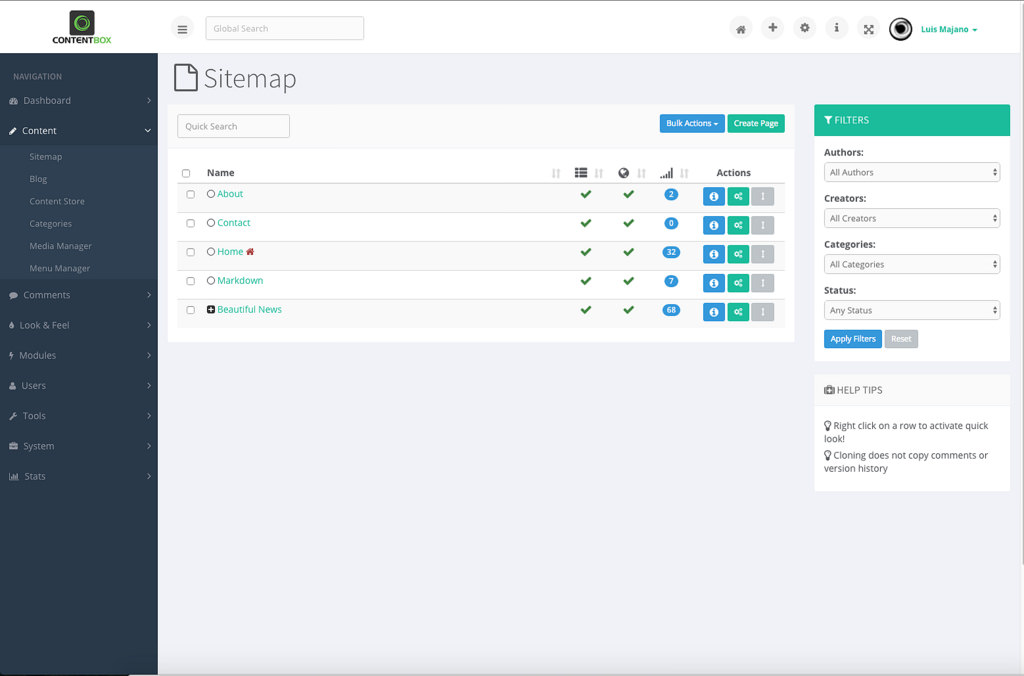
The core of your website are your pages. Learn what makes up a page, how to add new pages, add pages under pages with child parent hierarchies.
Learn about drafts, versions and publishing. Automate your website publishing dates and expiration dates. Add related content, categories, featured images, SEO settings and much more.
You'll also see the brand new Responsive preview, see how your content looks in desktop, vertical tablet, horizontal tablet, vertical and horizontal phone.
Blog Management
The life blood of a website today, a blog. All websites need fresh content for users and search engines, and blogging has been the answer to that problem. Learn how to create categories, add blog posts, add related blog posts for blog series, and much more. Blogs are content items like Pages, so you'll see a lot of the same options, like publishing dates, SEO settings and more.
Media Manager
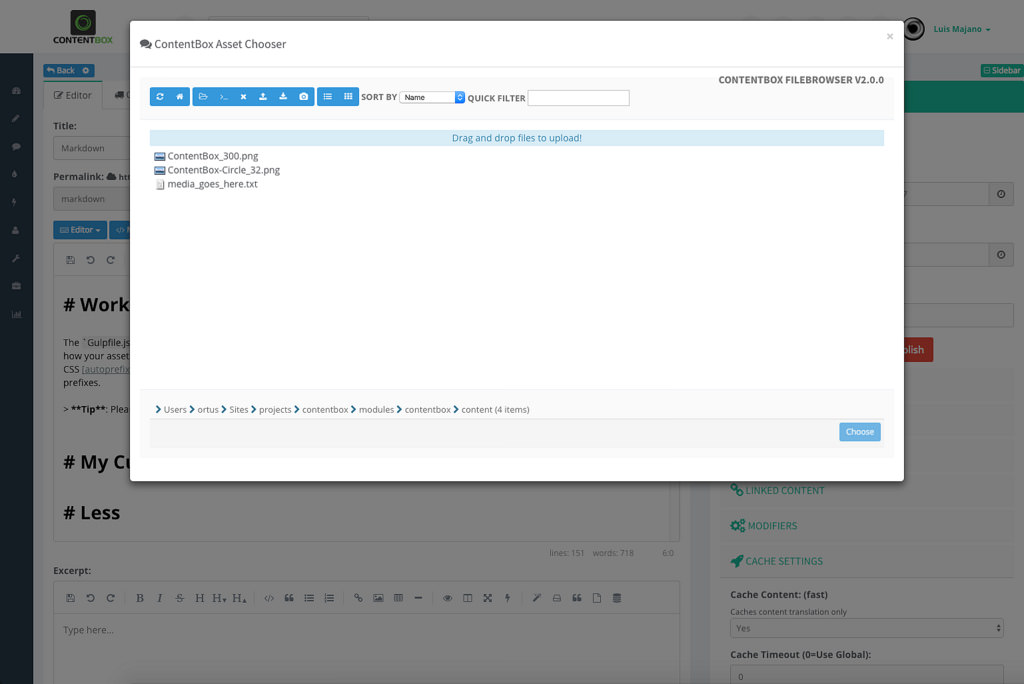
Manage your media and digital assets with our easy to use media manager. Create folder structures, upload with drag and drop from your computer. Easily insert photos and pdfs into your blog posts and pages, in seconds. Long gone are the days of FTP or waiting for a developer to upload images to your site.
Widgets & Modules - Extending Pages and Blog Posts
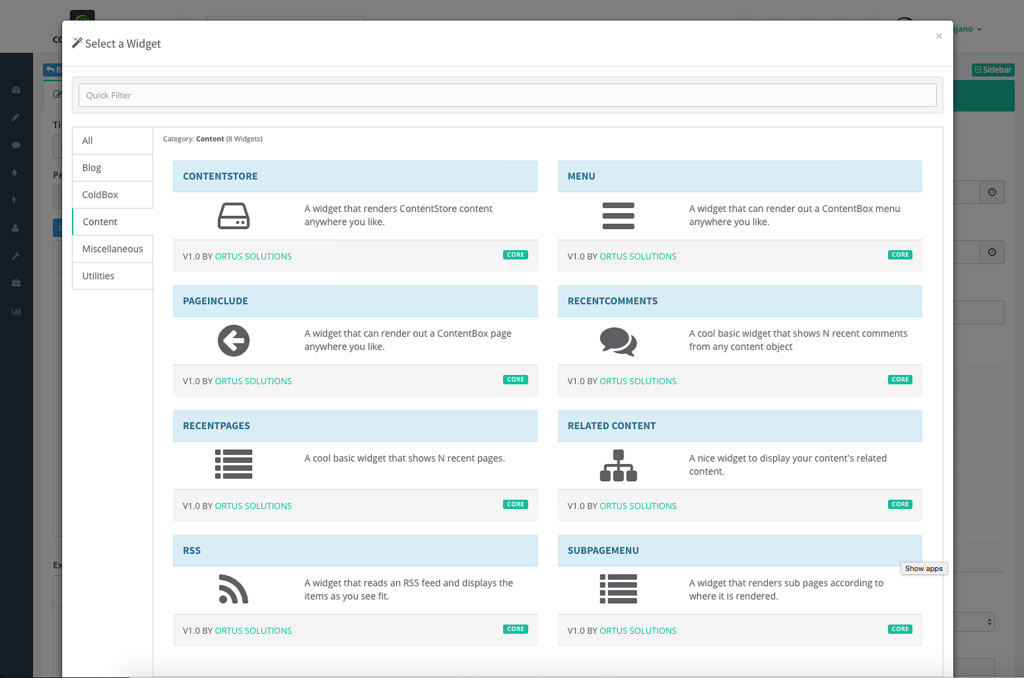
ContentBox has Widgets and modules to help you do almost anything, and if you cannot do it, a developer can create one for you. Learn how you can use a widget to include one page into another page, or pull content in from the Content Store
Importing, Exporting, Backups
Learn about ContentBox's flexible import and export tool, including the ability to import your old Blog / Site into ContentBox easily. If you want to back up some content for later, you can just export your content into JSON or one of our other friendly formats, quickly and easily.
Themes - Look and Feel
No website is complete without a theme or a design, so we'll give you a quick look at the "Look and Feel" options, including theme options
There is a lot to cover, we'll try and touch on it all, and if you are in the live webinar, you can ask questions, and direct the flow of the presentation.
I hope you can make it, invite your colleagues, coworkers, clients even, this webinar is for everyone.


Add Your Comment