
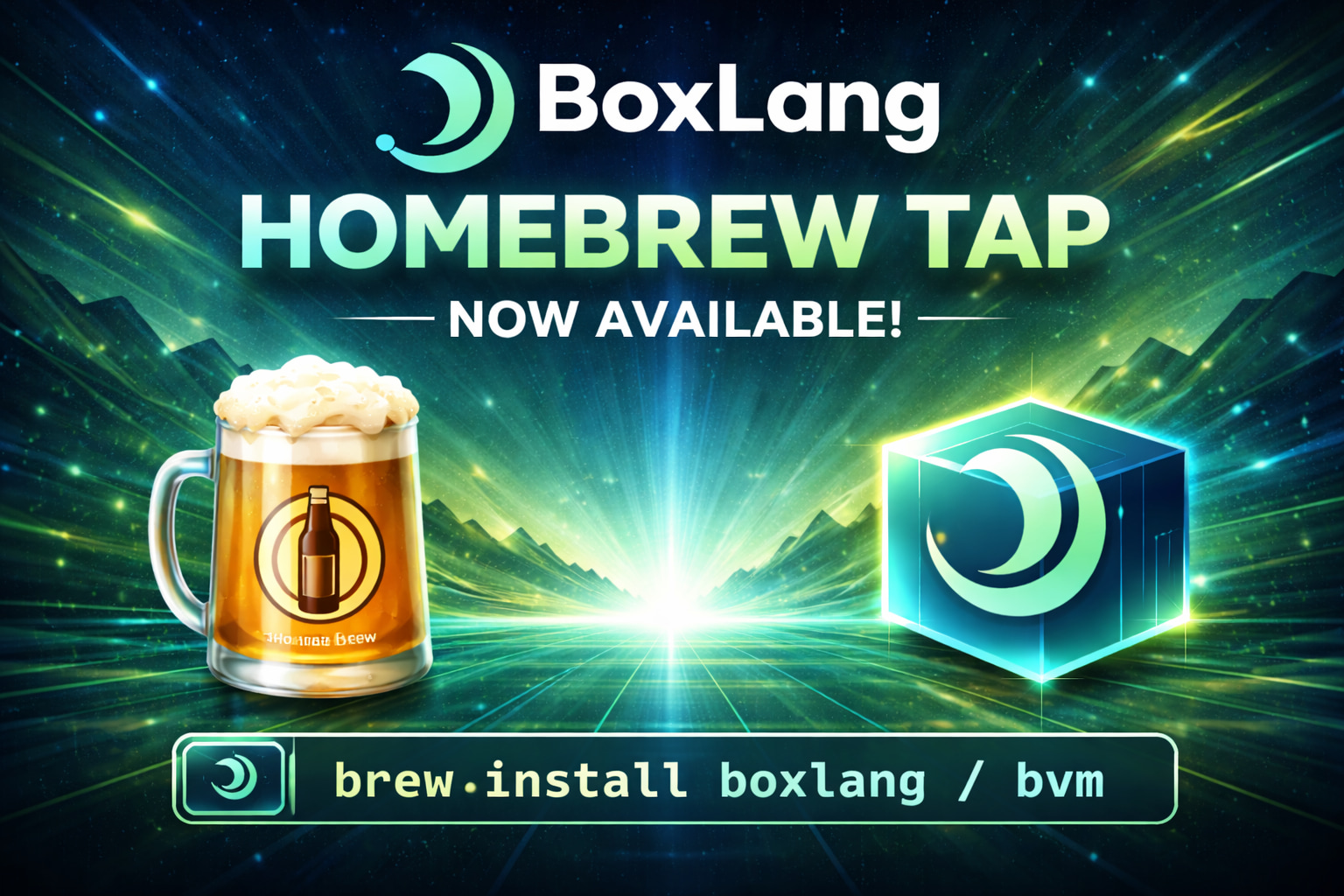
We're excited to announce the official BoxLang Homebrew tap — the easiest way to get BoxLang up and running on macOS (and Linux with Homebrew). One command, and you're in business.
Getting Started
First, make sure you have Homebrew installed, then add our tap:
brew tap ortus-boxlang/boxlang
From there, choose your installation path.
Option 1: BVM — BoxLang Version Manager
If you want to manage multiple BoxLang versions side by side, BVM is your tool.
brew install ortus-boxlang/boxlang/bvm
Then install and activate BoxLang:
bvm install latest
bvm use latest
boxlang --version
BVM makes it trivial to switch between stable and snapshot releases, list installed versions, and stay on the cutting edge — or the stable path — depending on your project needs.
Option 2: Quick Installer — Zero Friction Setup
Prefer a single-step setup? The BoxLang Quick Installer formula gets you the runtime and MiniServer in one shot.
brew install ortus-boxlang/boxlang/boxlang
install-boxlang
Need Java? No problem:
install-boxlang --with-jre
Installing for all users on a machine?
sudo install-boxlang --system
After installation, add BoxLang to your path:
export PATH="$HOME/.local/bin:$PATH"
Then fire it up:
boxlang               # Launch the REPL
boxlang-miniserver    # Start the MiniServer
Always Up to Date
Our tap ships with automated GitHub Actions that update the formulas daily and immediately after every new release. That means brew upgrade always pulls the latest installer. And since the formulas install the installer tool — not a pinned runtime — you stay in control of which BoxLang version you run.
Ready to Try It?
Whether you're building web apps, automation scripts, or exploring a modern JVM language, BoxLang is now just a brew install away.


Add Your Comment