
Everyone knows the datasource password should not be sitting in plain text in a config file. Everyone has also, at some point, shipped exactly that, because the alternative was a pile of environment variable plumbing that nobody wanted to build on a deadline.
BoxLang 1.17.0 introduces first-class encryption for sensitive values inside boxlang.json and Application.bx settings. Encrypt a value once, drop the ciphertext straight into your config, and BoxLang decrypts it at load time.
Encrypt a Value
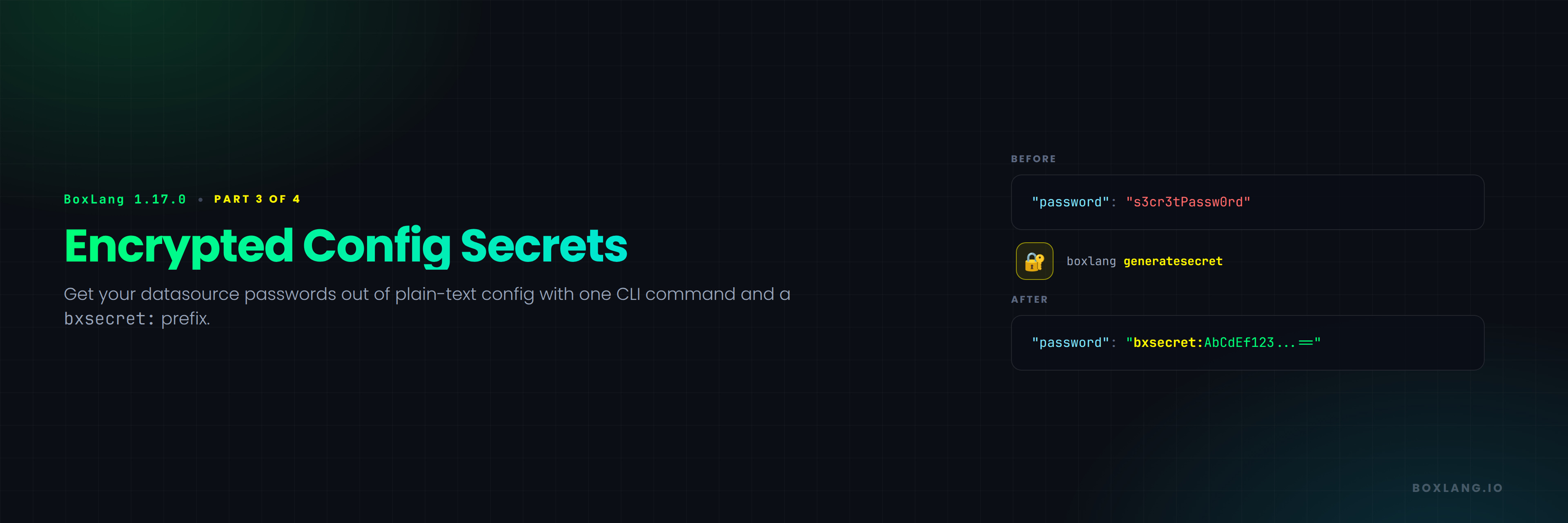
Generate an encrypted value with the new generatesecret CLI action, which uses the runtime's active secret seed:
boxlang generatesecret "s3cr3tPassw0rd"
# => bxsecret:AbCdEf123...==
Then use it anywhere a config value is read:
{
	"datasources": {
		"myDS": {
			"driver": "mysql",
			"properties": { "host": "localhost", "database": "myapp" },
			"username": "app_user",
			"password": "bxsecret:AbCdEf123...=="
		}
	}
}
That is the entire workflow. One command, one prefix.
It Is Not Just Datasources
Any config value can be encrypted. A third-party API key works the same way:
{
	"api": {
		"key": "bxsecret:wfYldsN1NOxSAC6k6H4RKg=="
	}
}
Supported locations include boxlang.json anywhere in the tree, Application.bx datasource definitions and other this.* settings, environment variable overrides and JSON placeholders, application component attributes, and nested settings such as caches and mappings.
This is opt-in per value, not an all-or-nothing switch. Plain-text values elsewhere in the same file continue to work unchanged, so you can encrypt the three things that actually matter and leave the rest alone.
Composing With Environment Variables
Encryption does not replace environment-driven config. The two compose in the same tree, because a bxsecret: value can live inside a ${Setting: ... not found} placeholder as the default:
"password": "${Setting: env.DB_PASSWORD:bxsecret: AbCdEf123...== not found}"
Read that as: use DB_PASSWORD from the environment if it is set, and otherwise fall back to this encrypted value. Your orchestrator can inject the secret in production while local development picks up the encrypted default with no setup at all.
The underlying placeholder resolver was improved in this same release (BL-2648) so both mechanisms work cleanly together. Bare environment variable names now resolve alongside the existing env. prefix, JVM system properties take precedence for bare names, and placeholder resolution now runs against struct keys in nested config, not just values.
The Secret Seed
Decryption uses a symmetric key, the seed. BoxLang generates a unique seed per install and persists it at {boxlang-home}/config/.seed.
This file must be retained and protected. Losing it makes every bxsecret: value in your config permanently undecryptable. There is no recovery path. Anyone who obtains it can decrypt all of them.
Treat it with the same care as the secrets it protects: keep it out of source control, and back it up the way you would any other production credential.
Sharing a Seed Across a Cluster
Because the seed is generated per install, the same plaintext encrypted on two different runtimes produces two different bxsecret: values, and a value encrypted with one seed cannot be decrypted with another.
This is the thing that surprises people first. You encrypt a password on your laptop, commit the config, deploy it, and the server cannot read it, because the server has its own seed.
For a cluster, share one seed across every runtime:
export BOXLANG_SECURITY_SECRETSEED=my-shared-seed-value
Or as a JVM system property:
-Dboxlang.security.secretSeed=my-shared-seed-value
You can also copy the same .seed file to each runtime.
There is a security.secretSeed setting in boxlang.json, but it is discouraged for an obvious reason: that setting is itself stored in plain text, which undermines the entire point of encrypting the rest of your config. Putting the key next to the lock is not encryption.
The algorithm is controlled by security.secretAlgorithm, defaulting to AES.
A Practical Rollout
If you are adopting this on an existing application, a reasonable order:
- Decide where the seed lives for each environment, and get it into your secret management before encrypting anything
- Encrypt the highest-value credentials first, usually database passwords and third-party API keys
- Use the
${Setting: env.NAME:bxsecret: ... not found}form for anything your orchestrator already injects, so you get encrypted local defaults without changing production behavior - Back up
.seed, then confirm the backup actually restores, because the failure mode here is permanent
Next in This Series
Part 4: Taking Control of writeDump() covers depth and maxRows, the two orthogonal knobs that finally make dumping a huge object a survivable experience, and why top is on its way out.






Add Your Comment