
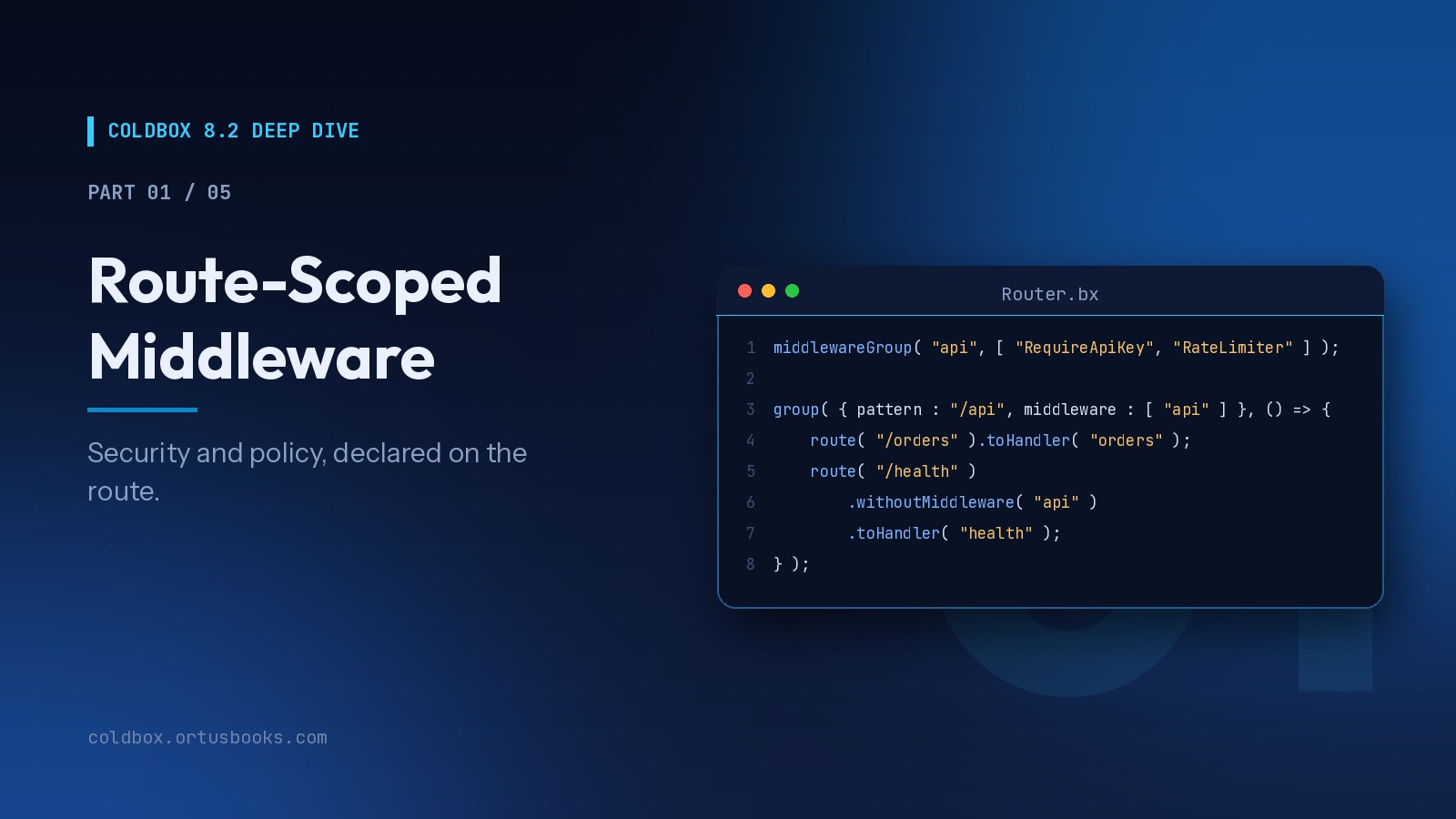
Welcome to the ColdBox 8.2 Deep Dive, a five-part series that takes each major feature of ColdBox 8.2.0 and goes well past the release notes: real code, real patterns, and the gotchas you only learn after shipping.
The series:
- Route-Scoped Middleware (you are here)
- HTTP Caching Done Right
- Server-Sent Events You Can Test
- AI Routing and Gateways
- Capstone: Building a Live Support Desk
We start with the feature that quietly changes how you structure every ColdBox application.
The Problem With Global Interceptors
Interceptors are one of ColdBox's oldest superpowers. They're also a blunt instrument when a concern only applies to some routes.
Here's a pattern you've probably written, or inherited:
// interceptors/Security.bx
class {
    function preProcess( event, data, buffer, rc, prc ){
        var path = event.getCurrentRoutedURL();
        if ( path.startsWith( "admin/" ) && !auth.isLoggedIn() ) {
            event.relocate( "login" );
        }
        if ( path.startsWith( "api/" ) && !apiKeys.isValid( event.getHTTPHeader( "X-Api-Key", "" ) ) ) {
            // ...
        }
    }
}
It works, until it doesn't. The security rules live far from the routes they protect, every request pays for every if, and the answer to "what runs when someone hits /admin/users?" requires reading code in three places.
Route-scoped middleware moves that answer into the one file that already describes your URLs: the router.
The Basics
.middleware() attaches work to a route. It runs at a ColdBox interception point, preProcess by default:
// config/Router.bx
route( "/admin/:action" )
    .middleware( ( event, rc, prc ) => {
        if ( !auth.isLoggedIn() ) {
            event.relocate( "login" );
            return true;
        }
    } )
    .toHandler( "admin" );
Every target receives event, rc, and prc. Returning true short-circuits the rest of this route's middleware at that point.
There's no new subsystem to learn here. Under the hood, route middleware reuses the exact interception dispatch ColdBox interceptors already use, just scoped to the matched route.
Targets: Closures, Classes, Instances
A target can be:
- a closure or lambda, great for prototyping and one-offs
- a WireBox ID, resolved on every request, so the mapping's scope is respected
- a live object instance
- a
middlewareGroup()name (more on that below) - an array of any mix of the above
For anything you'll reuse, write a class. It needs no base class and no interface, only a method named after the interception point:
// models/middleware/RequireLogin.bx
class singleton {

    property name="auth"  inject="AuthService";
    property name="flash" inject="coldbox:flash";

    function preProcess( event, rc, prc ){
        if ( !auth.isLoggedIn() ) {
            flash.put( "returnTo", event.getCurrentRoutedURL() );
            event.relocate( "login" );
            return true;
        }
        prc.currentUser = auth.getUser();
    }

}
// config/Router.bx
route( "/account/:action" ).middleware( "RequireLogin" ).toHandler( "account" );
Because it's a WireBox object you get injection, AOP, and, as we'll see, testability for free. Notice the middleware also enriches the request by putting currentUser into prc. Middleware isn't only a gate; it's a great place to prepare context your handlers need.
Configure Middleware Per Route With Meta
What about middleware that needs a parameter, like a required role? Routes already carry arbitrary metadata via .meta(), and middleware can read it from the current route record:
// models/middleware/RequireRole.bx
class singleton {

    property name="auth" inject="AuthService";

    function preProcess( event, rc, prc ){
        var required = event.getCurrentRouteMeta().role ?: "";
        if ( len( required ) && !auth.getUser().hasRole( required ) ) {
            event
                .renderData( type : "json", data : { "error" : "Forbidden" }, statusCode : 403 )
                .noExecution();
            return true;
        }
    }

}
// config/Router.bx
route( "/admin/billing" )
    .meta( { role : "finance" } )
    .middleware( [ "RequireLogin", "RequireRole" ] )
    .toHandler( "admin.billing" );

route( "/admin/users" )
    .meta( { role : "admin" } )
    .middleware( [ "RequireLogin", "RequireRole" ] )
    .toHandler( "admin.users" );
One class, configured declaratively per route. The route file reads like a security policy.
Before and After the Handler
The second argument selects the interception point. postProcess runs after your handler, which makes it the natural home for auditing and response shaping:
// models/middleware/AuditLog.bx
class singleton {

    property name="log" inject="logbox:logger: audit";

    function postProcess( event, rc, prc ){
        log.info(
            "#prc.currentUser.getEmail() ?: 'anonymous'# #event.getHTTPMethod()# #event.getCurrentRoutedURL()#"
        );
    }

}
route( "/admin/users/:id" )
    .middleware( [ "RequireLogin", "RequireRole" ] )
    .middleware( "AuditLog", "postProcess" )
    .toHandler( "admin.users" );
You can call .middleware() as many times as you like. Entries accumulate in order.
Where it runs in the lifecycle
Route middleware runs after the global preProcess announcement and before the global postProcess announcement:
global preProcess interceptors
  → route middleware (preProcess)
    → handler action
  → route middleware (postProcess)
global postProcess interceptors
Global interceptors stay the outermost layer. Route-specific work runs closest to the handler, which is exactly where it belongs.
A Real Example: A Rate Limiter
Let's write something with actual moving parts. A per-key rate limiter backed by CacheBox:
// models/middleware/RateLimiter.bx
class singleton {

    property name="cache" inject="cachebox:default";

    variables.maxPerMinute = 60;

    function preProcess( event, rc, prc ){
        var client = event.getHTTPHeader( "X-Api-Key", cgi.REMOTE_ADDR );
        var bucket = "ratelimit-#client#-#dateTimeFormat( now(), 'yyyyMMddHHnn' )#";
        var hits   = cache.getOrSet( bucket, () => 0, 1 ) + 1;
        cache.set( bucket, hits, 1 );

        event.setHTTPHeader( name : "X-RateLimit-Remaining", value : max( 0, maxPerMinute - hits ) );

        if ( hits > maxPerMinute ) {
            event
                .renderData( type : "json", data : { "error" : "Too many requests" }, statusCode : 429 )
                .noExecution();
            return true;
        }
    }

}
This is a simple fixed-window counter to illustrate the pattern. In a clustered deployment, point it at a distributed CacheBox provider (Redis, Couchbase, etc.) so every node shares the same buckets.
Groups: Inherit Middleware
Attach middleware to a group() and every route inside inherits it, ahead of its own entries. Nested groups compose outer-first:
group( { pattern : "/api", middleware : [ "RequireApiKey" ] }, () => {

    route( "/products" ).toHandler( "products" );
    // RequireApiKey

    route( "/orders" ).middleware( "RateLimiter" ).toHandler( "orders" );
    // RequireApiKey → RateLimiter

    group( { pattern : "/admin", middleware : [ "RequireAdmin" ] }, () => {
        route( "/settings" ).toHandler( "settings" );
        // RequireApiKey → RequireAdmin
    } );

} );
Named Bundles With middlewareGroup()
Once you have a few middleware classes, the same combinations show up everywhere. Register them once:
// config/Router.bx
function configure(){

    // Declare bundles FIRST
    middlewareGroup( "web",   [ "RequireLogin" ] );
    middlewareGroup( "admin", [ "RequireLogin", "RequireRole", "AuditTrail" ] );
    middlewareGroup( "api",   [ "RequireApiKey", "RateLimiter" ] );

    group( { pattern : "/api/v1", middleware : [ "api" ] }, () => {
        resources( "orders" );
        resources( "products" );
    } );

    group( { pattern : "/admin", middleware : [ "admin" ] }, () => {
        route( "/dashboard" ).toHandler( "admin.dashboard" );
        route( "/users/:id?" ).meta( { role : "admin" } ).toHandler( "admin.users" );
    } );

}
Groups expand in place wherever they're referenced, and a bundle can contain another bundle's name. middlewareGroup() also accepts a point, so an entire bundle can run at postProcess.
Opting Out With withoutMiddleware()
Inheritance is great until one route needs to be the exception. The classic case: a health check inside an authenticated API group.
group( { pattern : "/api", middleware : [ "api" ] }, () => {

    route( "/users" ).toHandler( "users" );
    // RequireApiKey, RateLimiter

    route( "/health" ).withoutMiddleware( "api" ).toHandler( "health" );
    // nothing from "api"

    route( "/webhooks/stripe" ).withoutMiddleware( "RequireApiKey" ).toHandler( "webhooks.stripe" );
    // RateLimiter only, Stripe signs its own requests

    route( "/status" ).withoutMiddleware( "*" ).toHandler( "status" );
    // nothing at all

} );
Exclusions match by WireBox ID or by group name. Excluding a group removes every member it expanded to. withoutMiddleware() can sit anywhere in the fluent chain, since exclusions are applied after inheritance is resolved.
One limitation: a closure has no name, so an inherited closure can't be excluded individually. If you expect a route to opt out of something, make it a named WireBox target.
Testing Middleware
Because middleware is ordinary WireBox objects, you can unit test it in isolation and integration test it through the router.
Unit test the class:
// tests/specs/unit/RequireRoleTest.bx
@model( "models.middleware.RequireRole")
class extends="coldbox.system.testing.BaseModelTest" {

    function run(){
        describe( "RequireRole middleware", () => {

            beforeEach( () => {
                setup();
                mockAuth = createStub().$( "getUser", createStub().$( "hasRole", false ) );
                model.$property( propertyName : "auth", mock : mockAuth );
            } );

            it( "blocks users without the route's role", () => {
                var event = createMock( "coldbox.system.web.context.RequestContext" );
                event.$( "getCurrentRouteMeta", { role : "admin" } );
                event.$( "renderData", event );
                event.$( "noExecution", event );

                expect( model.preProcess( event, {}, {} ) ).toBeTrue();
                expect( event.$once( "renderData" ) ).toBeTrue();
            } );

        } );
    }

}
Integration test the route:
// tests/specs/integration/AdminSecuritySpec.bx
@appMapping( "/" )
class extends="coldbox.system.testing.BaseTestCase" {

    function run(){
        describe( "Admin routes", () => {

            beforeEach( () => setup() );

            it( "redirects anonymous users to login", () => {
                var event = this.get( "/admin/dashboard" );
                expect( event ).toRedirectTo( "login" );
            } );

            it( "lets the health check through without an API key", () => {
                var event = this.get( "/api/health" );
                expect( event.getStatusCode() ).toBe( 200 );
            } );

        } );
    }

}
Gotchas Worth Knowing
1. Register groups before you reference them. Expansion happens at registration time. A name referenced before its middlewareGroup() call is treated as a literal WireBox ID, and you'll get an injector error on the first request. Put all middlewareGroup() calls at the top of configure().
2. return true stops the middleware, not the request. It short-circuits the remaining middleware at that point. The handler still runs. To actually stop the request, do what you'd do in an interceptor: event.relocate(), or event.renderData(...).noExecution().
3. It's before/after, not wrapping. A single target can't run code both before and after the handler in one call. If you need true "around" behavior, like timing a request or catching everything downstream, use aroundHandler in your handler or a global interceptor.
4. Terminators that expand into many routes inherit group middleware. toAi() and toAiGateway() generate several sub-routes each. Wrap them in a group( { middleware : [...] } ) to protect all of them. We'll use this pattern in Parts 4 and 5.
When to Use What
| You need... | Use |
|---|---|
| Something on every request (logging, locale, security headers) | Global interceptor |
| Something on specific routes or route families | Route middleware |
| A reusable combination of route middleware | middlewareGroup() |
| Wrapping the handler (before and after in one call) | aroundHandler |
| Per-route configuration of a shared middleware | .meta() + getCurrentRouteMeta() |
Why This Matters
For individual developers, route middleware means less boilerplate and fewer "why is this route behaving differently?" debugging sessions.
For teams and technical leads, it means something more valuable: your security and cross-cutting policy becomes reviewable in one place. A pull request that changes who can access /admin/billing shows up as a one-line diff in the router, not as a subtle change to a regex in an interceptor. That's an auditability win you'll appreciate the first time compliance asks.
Up Next
In Part 2: HTTP Caching Done Right, we'll put ETags, Last-Modified, and Cache-Control to work, and see how withCache() lets the router declare caching policy right next to the middleware you just learned.


Add Your Comment