

One of the most coolest features the 2.0.1 release brings is a Request Context snapshot viewer as part of the ColdBox Debugger. This snapshot shows you the state of your request at every specific event execution time. I find this tool extremely amazing, since I can see how my variables change, when they change, which event changed/added/removed them and much more. Look at the screenshot below:
 As you can see from the screenshot, the debugger has a RC Snapshot column that you can expand and collapse. Once expanded on a specific event, you can see the content of the request collection as the event got executed. You can see the xeh variables, the dbService object and its type, the event variable and more. As your application executes events, the snapshots are taken and will be ready for visualization in the debugger.
This is a great tool and a great way to debug your applications. No more cfdump and aborts to see where variables get set. Just look at the snapshot.
As you can see from the screenshot, the debugger has a RC Snapshot column that you can expand and collapse. Once expanded on a specific event, you can see the content of the request collection as the event got executed. You can see the xeh variables, the dbService object and its type, the event variable and more. As your application executes events, the snapshots are taken and will be ready for visualization in the debugger.
This is a great tool and a great way to debug your applications. No more cfdump and aborts to see where variables get set. Just look at the snapshot.
Blog
Recent Entries

QR Codes Come to BoxLang Images
The bx-image module can now generate and read QR codes. Two new functions, a string member function, and two new bx:image actions. No extra dependencies for you to manage.

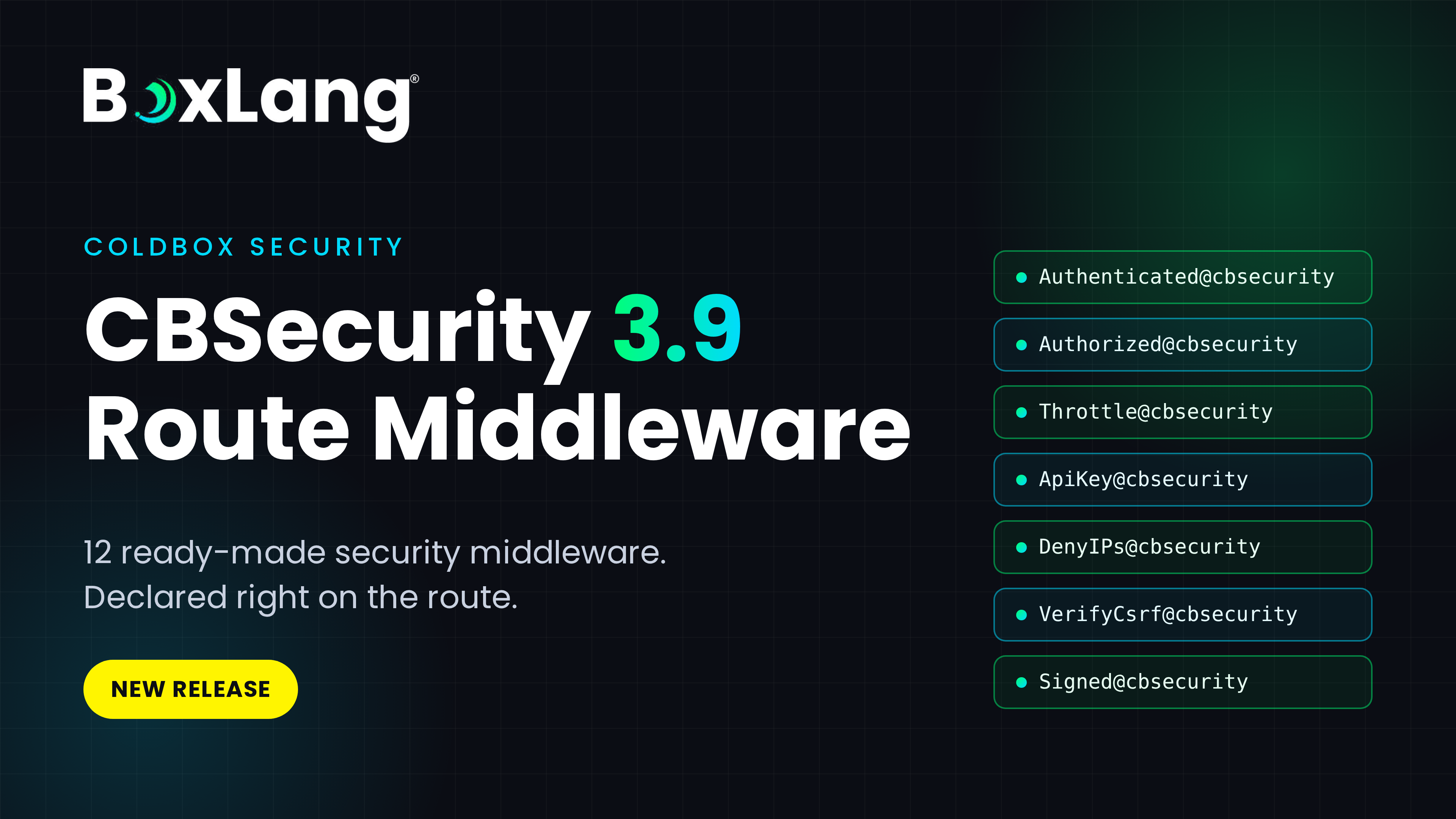
CBSecurity 3.9: 12 Security Middleware for ColdBox, Declared Right on the Route
Ortus Solutions today announces CBSecurity 3.9, a major step forward for securing ColdBox applications. This release adds 12 ready-made security middleware that you attach directly to routes and route groups, with no firewall rules required.
ACF2021 extended support ends on November 10. Is Your Application Ready?
Adobe ColdFusion 2021 reaches the end of extended support on November 10, 2026. If your application still runs on this release, the time to decide what comes next is now.
Adobe ended core support for ColdFusion 2021 on November 10, 2025. The current extended support period is best effort and does not include security patches or hotfixes. When it ends on November 10 2026, organizations will no longer have that support option from Adobe for ColdFusion 2021.
What ...

Add Your Comment