
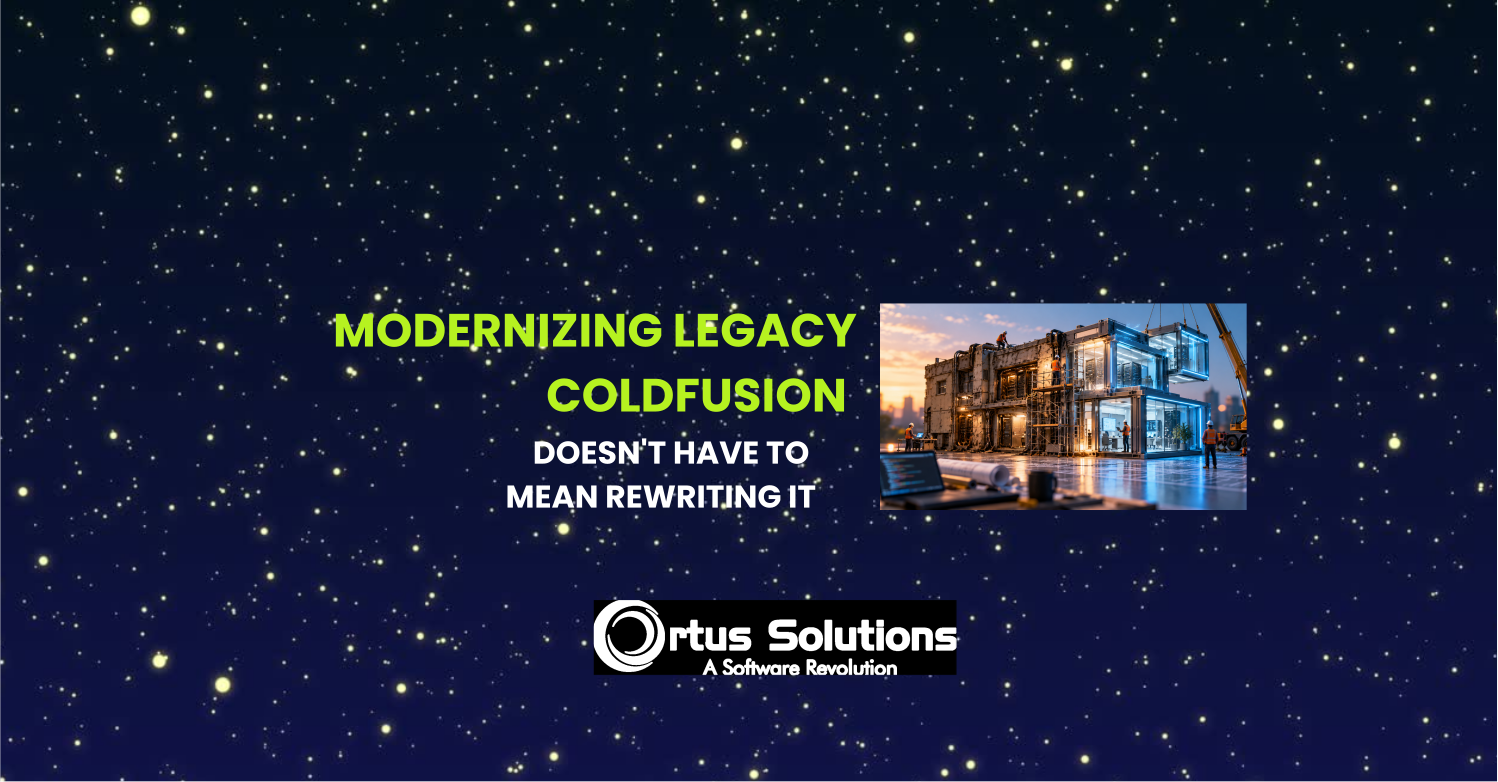
Your CFML application may be old, large, and business critical. That doesn't mean modernization has to start with a rewrite.
When organizations talk about modernizing a legacy ColdFusion application, the conversation can quickly become much bigger than it needs to be.
Do we need a new frontend?
Should we rebuild the APIs?
Do we need React or Vue?
Should we replace the application entirely?
How many developers will that require?
How long will it take?
And perhaps the most important question: what could we break along the way?
For many organizations, the application they're discussing isn't some abandoned piece of software. It's a production system with years of accumulated business logic, integrations, workflows, and knowledge embedded in it.
Michael Rigsby described this reality very well during his Into the Box 2026 session, From Legacy to Modern, CBWIRE Gets You There Faster and Projects Finished Under the Wire.
Most development teams, he pointed out, don't get a brand new greenfield project every quarter. They have existing applications, tight deadlines, small teams, stakeholders asking for more modern experiences, and sometimes hundreds of thousands of lines of CFML that have been running successfully for years.
That's the environment in which modernization actually happens.
And it leads to an important idea:
Modernization doesn't have to mean starting over.
Start With the Problem, Not the Rewrite
Imagine a ColdFusion application with a traditional customer search.
The user enters a term, submits the form, the server processes the request, and the entire page reloads with the results.
It works.
Maybe it has worked for fifteen years.
But users now expect something smoother and more responsive. The obvious temptation is to start thinking about rebuilding the frontend using a modern JavaScript framework.
That may be appropriate in some situations.
But what if the existing business logic is perfectly good?
What if the application already has the services, validation, security, and database interactions you need?
Why replace all of that simply to improve the user experience?
This is where Rigsby's demonstration with CBWIRE becomes interesting from a modernization perspective.
He took an existing ColdBox application and converted its traditional customer search into a reactive experience. Instead of rebuilding the application, he reused the existing architecture and business logic.
In fact, Rigsby estimated that about 95% of the code in the new CBWIRE component was reused from the existing view.
That's a very different definition of modernization.
Use a Surgical Tool, Not a Sledgehammer
One of the best lines from Rigsby's presentation was his description of CBWIRE as:
"the surgical tool, not the sledgehammer."
That's also a useful way to think about legacy modernization in general.
You don't necessarily need to modernize an entire application at once.
You can modernize it component by component.
A traditional form can become reactive.
A search can stop requiring full page reloads.
A dashboard can update automatically.
Sorting, filtering, pagination, inline validation, loading indicators, and other modern interactions can be introduced where users will actually notice the difference.
Meanwhile, the rest of the application can continue doing exactly what it was doing before.
That changes the economics and risk of modernization considerably.
Start Where Users Are Feeling the Pain
Rigsby offered another piece of advice that we strongly agree with:
Start with your most painful forms, the ones users complain about.
This sounds simple, but it's an important shift in thinking.
Legacy modernization projects often begin with technology:
"We need to replace X."
"We need to migrate to Y."
"We need to rewrite this application."
A better starting point is often:
Where is the existing application creating the most friction for users or the business?
Then find a change that creates visible value without introducing unnecessary risk.
Rigsby's recommendation is to choose high impact, low risk targets rather than trying to convert everything at once.
That first success matters.
Users see an improvement.
Stakeholders see progress.
Developers learn how the new approach fits into the existing system.
And the organization gets evidence that modernization can deliver value before committing to something much larger.
Keep the Business Logic That Already Works
This may be the most important lesson.
Old doesn't automatically mean bad.
A CFML application that has been running in production for fifteen years may contain a tremendous amount of proven business logic.
Replacing that logic introduces risk.
In Rigsby's examples, CBWIRE could sit alongside existing ColdBox handlers and views while continuing to use the same business logic and validation rules.
The interface improved without requiring the organization to throw away everything underneath it.
That's exactly the kind of decision we look for when approaching a legacy CFML application.
What should we replace?
What should we refactor?
What should we isolate?
And equally important:
What should we leave alone because it already works?
Good modernization isn't measured by how much code you replace.
It's measured by how much business value you create while controlling cost and risk.
Think in Steps, Not One Giant Project
Rigsby summarized his modernization roadmap with another useful principle:
Each step is incremental. Each step delivers value.
That's how we prefer to approach legacy CFML modernization at Ortus as well.
The first phase might address a handful of painful user workflows.
The next might introduce better testing around critical functionality.
Another could improve application architecture, deployments, integrations, security, or performance.
Over time, parts of the application can be refactored or moved where there is a clear reason to do so.
The roadmap is driven by the needs of the application and the business, rather than by an arbitrary requirement to replace everything.
Sometimes a larger migration really is necessary.
But it should be the result of an assessment, not the assumption you start with.
Your Legacy ColdFusion Application May Have More Life in It Than You Think
If your organization has a mature ColdFusion or CFML application, don't assume your choices are limited to "leave it alone" or "rewrite it."
There's a lot of room between those two extremes.
Modernization can mean making the application easier to use.
It can mean improving architecture.
It can mean adding automated testing so developers can make changes with confidence.
It can mean fixing performance or security issues.
It can mean improving deployments and CI/CD.
It can mean gradually replacing the parts of the application that are genuinely holding the business back while preserving the parts that continue to work well.
CBWIRE is one example of how that incremental approach can work at the user interface level.
The broader principle applies across the application:
Modernize where modernization creates value.
Want to See It in Action?
Michael Rigsby's full Into the Box 2026 session goes much deeper into this approach and includes practical CBWIRE examples and demonstrations.
If you're interested in seeing how an existing CFML application can gain modern, reactive functionality without replacing the application underneath it, the session is well worth watching.
Not Sure Where to Start With Your Own Application?
That's often the hardest part.
Ortus Solutions has been working with ColdFusion and CFML applications for two decades. Our consulting team can review your existing application, identify the areas creating the most cost, risk, or user friction, and help you determine where modernization will actually produce a return.
That might mean a phased modernization roadmap, architecture improvements, ColdBox or CBWIRE adoption, testing, CI/CD, performance work, security improvements, an engine migration, or simply fixing a few high impact areas while leaving the rest alone.
We can provide the assessment and roadmap, work alongside your existing developers, augment your team with experienced CFML engineers, or take responsibility for specific parts of the implementation.
You don't have to rewrite your ColdFusion application to start modernizing it.
If you're maintaining a legacy CFML application and wondering what you should modernize, what you should keep, and where to start, let's talk.
Contact our CFML consulting team and tell us what you're working with. We'll help you figure out a practical next step.


Add Your Comment