

I just finished today my first presso with CFframeworks on ColdBox and man what an ordeal. The Adobe Connect completely failed on my Mac and rendered it useless. So I had to scramble to export the keynote to powerpoint, copy some files to my PC and try to get something going. So I truly apologize for not sticking to the entire agenda, but technical problems ensued. The worst thing is that I did not have a mic for the PC, so I hijacked a pair of earphones and use that as a microphone, Electrical Engineering 101!! So overall, at least I had something to show from the PC!! I though I never would have said this, but thank you PC for behaving!! Hopefully the next one will work on my Mac and all the samples I had. Anyways, I will be posting some scaffolding templates and try to record it. If anybody wants to donate iShowU I will create more recordings and post them up. Brief tutorials on several features. So please help out. Anyways, here is the link for the "Incredible" Presso http://adobechats.adobe.acrobat.com/p70636895/ If you have any questions, please let me know.
Blog
Recent Entries
Inherited a CFML Application With Few Tests? Here’s Where to Start!
You need to change an application that has been running for years.
It might be a ColdFusion customer portal, a Lucee application supporting internal operations, or a CFML system your team is preparing to modernize. People depend on it, but some of its behavior lives in old tickets, scattered documentation, and the memory of whoever has supported it longest.
Now a release is approaching. You know more testing would help. The difficult part is deciding where to begin without putting every other priority on hold.
Start with one important workflow and build evidence around what it needs to do.

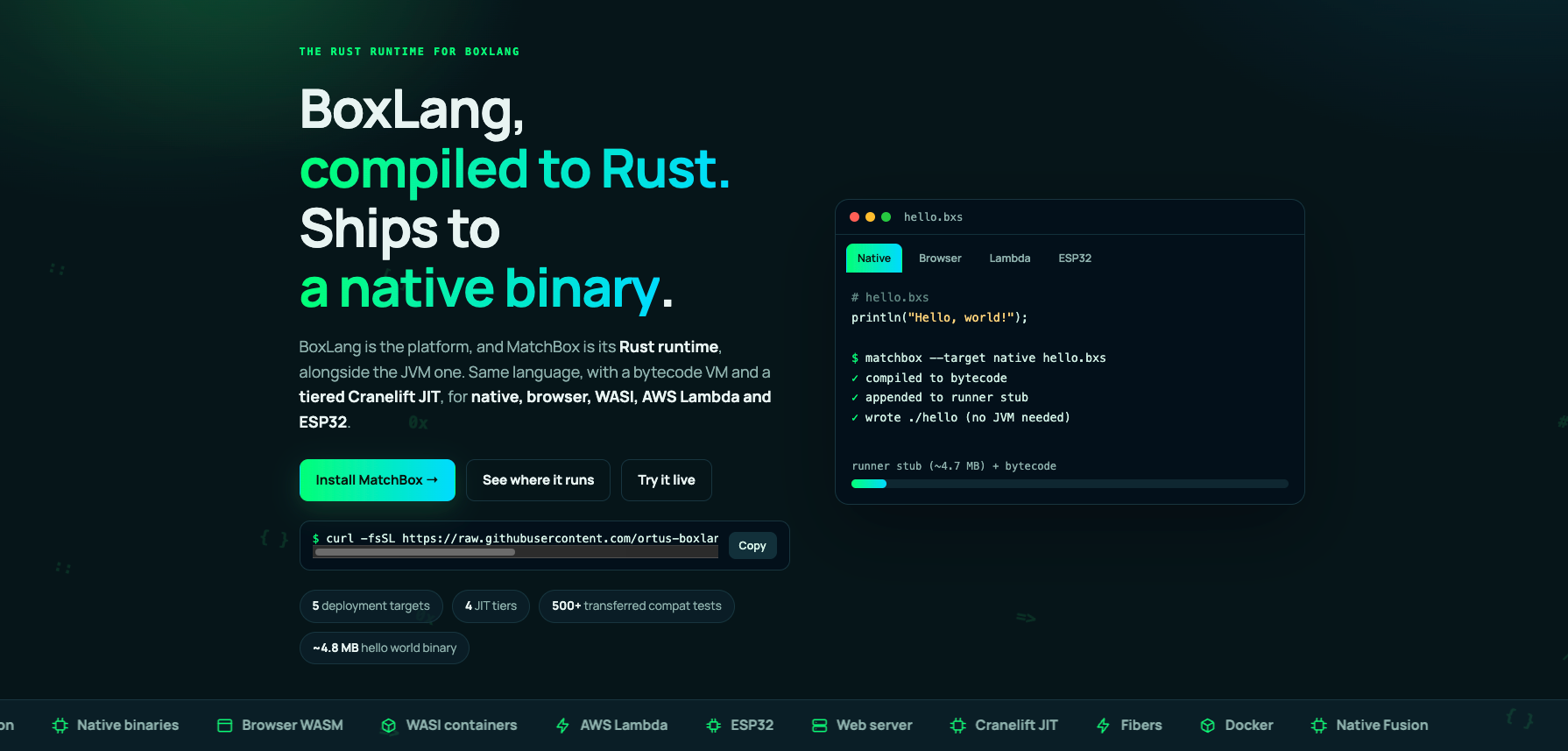
MatchBox 0.12: One Language, Every Runtime, Now with a Live Playground and a Course
Ortus Solutions today announces MatchBox 0.12.0, the Rust runtime for BoxLang, alongside the launch of matchbox.boxlang.io: a new website with a live in-browser playground, a ten-lesson course, and complete online docs. The release also brings a more capable JIT, prebuilt native modules, a richer web runtime, and a long list of BoxLang compatibility fixes.


Your ColdFusion Upgrade Passed. Did Your Business Workflows?
The server restarted. The administrator shows the expected version. Your homepage loads, and a few familiar screens look fine.
Would you tell the business the upgrade is complete?
Consider an illustrative scenario: a customer submits an order after an upgrade. The application saves it and displays a confirmation page. But the confirmation email never arrives, and the scheduled process that sends the order to fulfillment has not completed.
From the browser, the transaction...
Add Your Comment
(5)
Jul 18, 2007 19:45:11 UTC
by Sean Corfield
Why do you require name / email for people downloading ColdBox?
Jul 18, 2007 19:46:27 UTC
by Luis Majano
I am removing it soon, but yea never got to remove it.
Jul 18, 2007 19:46:53 UTC
by Luis Majano
Will remove it Sean, thanks
Jul 19, 2007 04:09:57 UTC
by Sana
I think Luis its better to remove ASAP. Should be direct link to download.
Also if possible then put ColdBox zip on wiki home page for download.
Thanks
Sana
Jul 19, 2007 07:35:30 UTC
by Peter Bell
Sorry to hear about technical problems. I don't know what you ran into, but an FYI: you must use Safari on a Mac (not FF) to download connect. If you download using FF, you have to blow away the connect directory and then re-download using Safari and all should work well.
http://www.pbell.com/index.cfm/2007/5/9/Adobe-Connect-Screen-Sharing-on-Intel-Macs